obsidian says this takes 13 minutes to read.
look at the page updates here.
When it comes to the terminal, I am not particularly good at using it. I do know enough to be dangerous with it, but not enough to actually use it day to day. I also think it would be cool to have your tooling in the terminal, as a sleek and fast CLI tool in an era most GUI programs are going for Electron nowadays.
I feel that there is some untapped secret of as to why quite a lot of people like the terminal, and sometimes, they do a lot of their work there too. I also imagine some sort of future where I can abandon the horrible terribleness of VSCode and all this Electron garbage, and somewhat replace it with a slick and fast TUI program or something. I also was thinking that it would be a great way to actually concentrate for fucking once, because recently my concentration has become very bad, so I imagine that maybe getting a heavier terminal workload could help, somehow. And again, yeah I am genuinely sick of these pretty crummy Electron apps, so yeah.
yt-dlp and gallery-dl
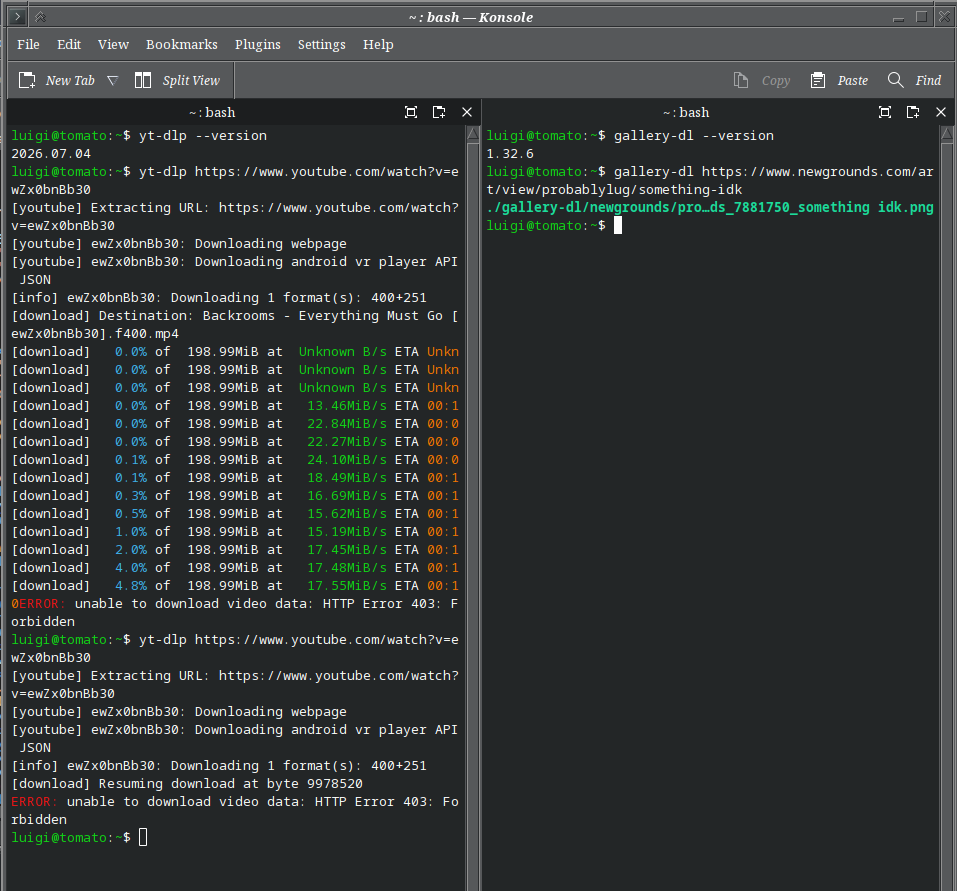
YT-DLP and gallery-DL are two CLI tools built to download many various forms of media, and I don’t think these need that much introduction. YT-DLP handles YouTube videos, and gallery-dl handles everything else. I think the biggest feature of these tools are the ability to mass download media, which you can just add one link to a social media profile or a YouTube channel or a thread on Bluesky and these tools will download it for you. The worst thing about this is how hostile the internet has gotten with tools like these. Websites like Twitter and Tumblr often refuse to allow downloads without a login (and Tumblr specifically demands you use a login token), or a cookie of some sorts, YouTube has been on a war against anything that allows video downloading on their platform, and the ways to get around it have become increasingly sillier. Depending on the day, I could get fully blocked from even downloading videos at all from YouTube, sometimes encountering a “403 Forbidden” error that basically blocks me from accessing anything.
msedit
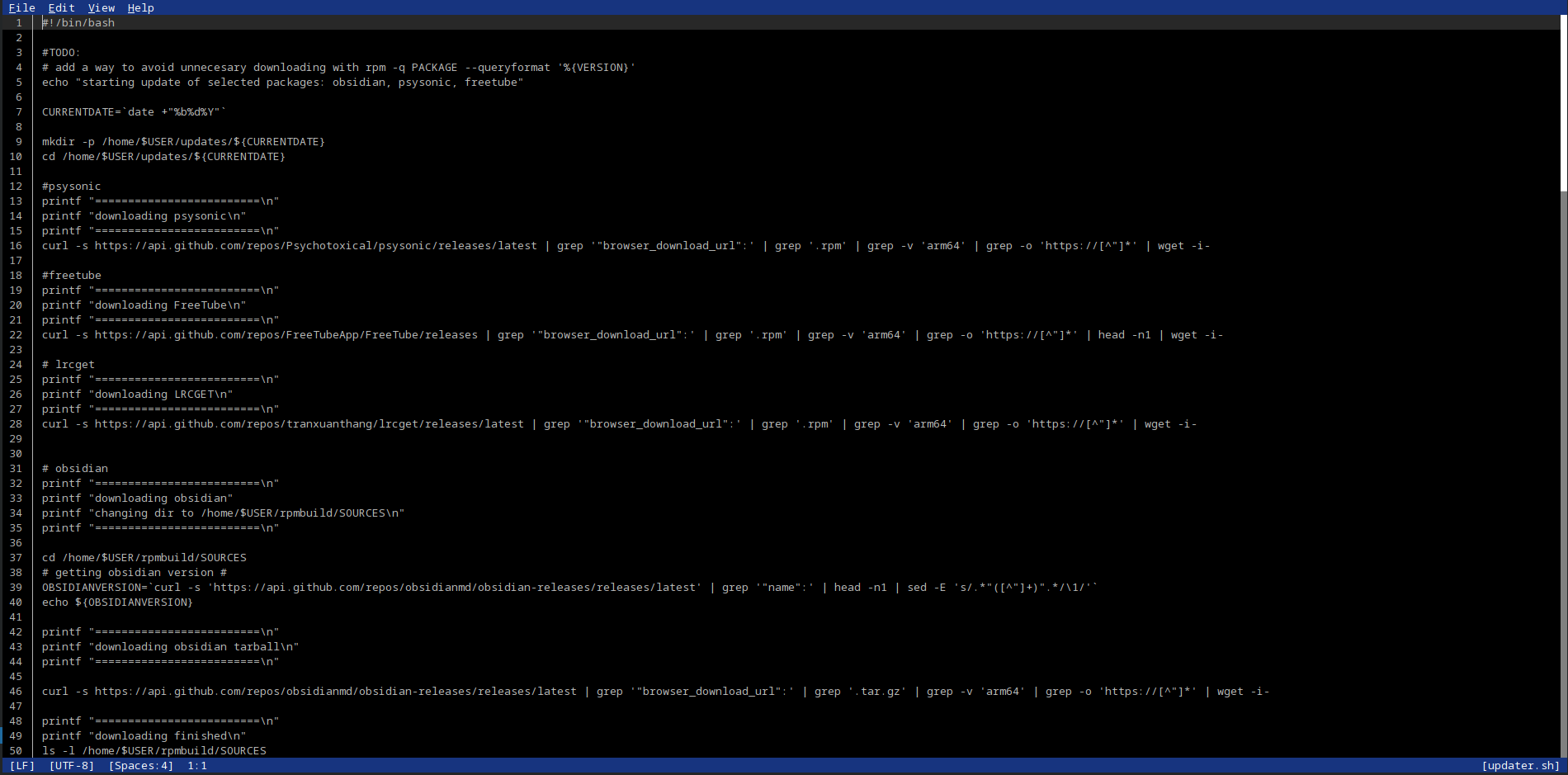
People will say to use nano, but honestly nano kinda sucks. It is an editor that has that signature Linux style where every feature is only accessed via the keyboard and where the shortcuts you’d expect are never the shortcuts things actually are. It is genuinely annoying how many times I have tried to undo, and then unintentionally doing something else because CTRL+Z was mapped to something completely different. And don’t get me started at modal editors, aka editors that require some arcane knowledge to actually operate, that people will swear that these are so awesome. I feel they say this because if they don’t, Big VIM or Emacs will shoot them in the head. Anyway, it is insane how hard is it to find a terminal editor that has a user interface that is actually comprehensible, because most of these follow the vim or Emacs editor format, and I simply cannot understand it. My lowly Windows-pilled brain apparently is too stupid to learn vim or whatever, and I don’t feel like spending months trying to learn all the hidden shortcuts for it too, so there’s that.
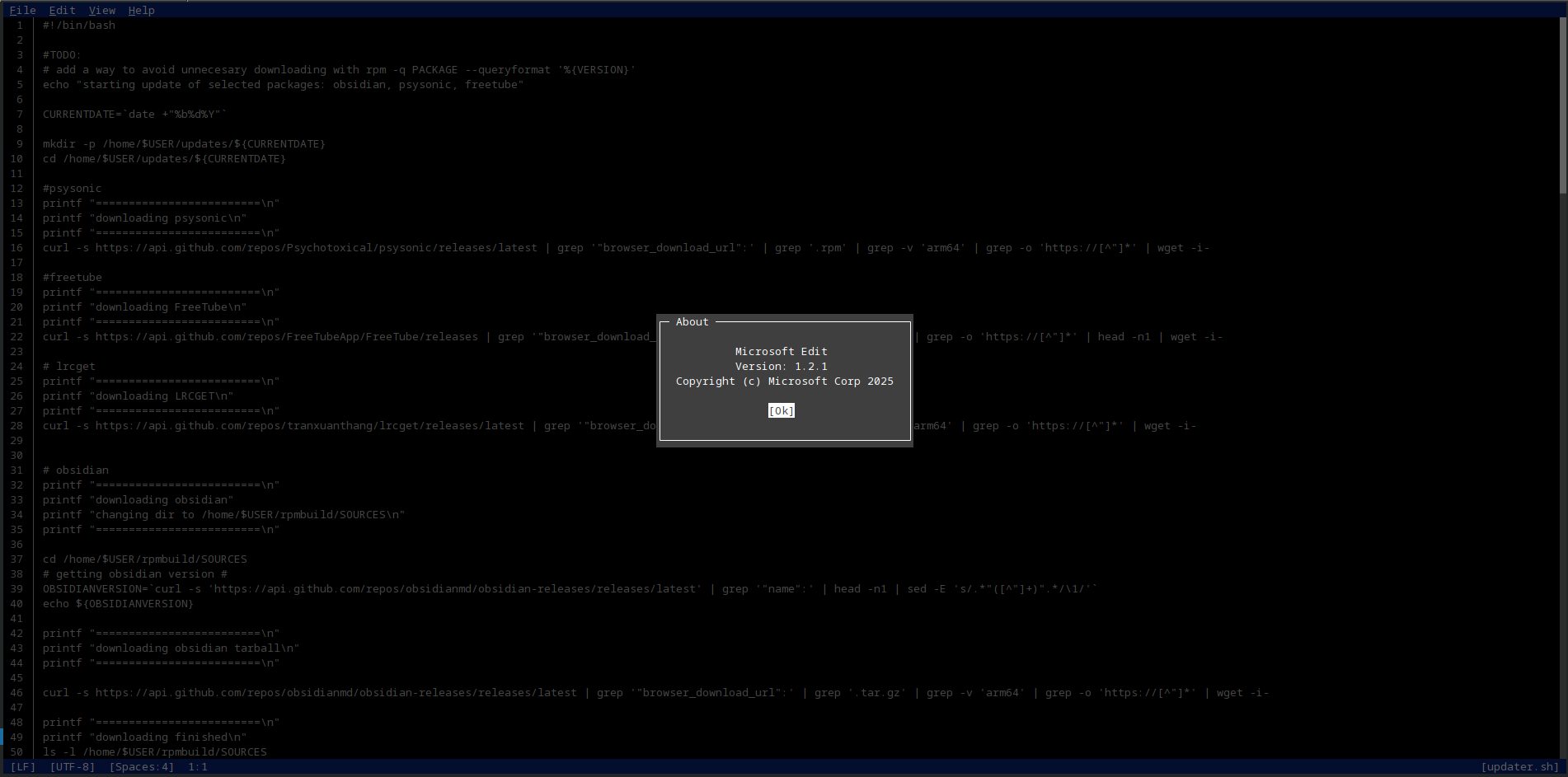
Enter Microsoft. They suck ass. But once every three thousand years, they make something good for a change. And so came out Microsoft Edit, which is an editor which would run on most systems that have a terminal. Apparently msedit is based off an old dusty DOS text editor, which kinda makes sense. It has a TUI interface which allows inputs from the mouse, as well as more standard shortcuts too, similar to those that you can find on VSCode or on most Windows programs. It makes it surprisingly usable, and it makes me feel pretty at home when I use it. I think the only issue I have with the editor is that it isn’t really intended to be a full one to one replacement of nano, because it doesn’t have any sort of syntax highlighting. It is more of a terminal version of Notepad if anything else. Honestly I am fine with this, but it would be awesome if they ever decide to add this feature. I did find a more fully featured editor, and well, that is one called:
fresh
I have been trying to get back into programming after years of not doing shit, and my god does it feel like I have had an arm chopped off, and I am trying to move that arm again. I was trying to pick up Rust recently, and while I think the idea of Rust is interesting, there is a lot that I have never seen before in a programming language. Stuff like Rust ownership or borrowing kinda short circuits my brain, but I think I am slowly yet surely been getting there. I think the biggest issue with me programming is that the best way to learn is by doing shit, but I don’t know what shit to try doing in Rust, or the thing I want to do is too complex or something. Maybe I can try making a program that hooks up into YT-DLP and handles mass video downloading from links in a file or something, idk.
Another thing that I noticed nowadays is that the concept of the IDE
isn’t a thing most people use nowadays, while some programming languages
do have them, most of them allow you to pick and choose, for you to do
it yourself™. Oftentimes people just use VSCode with some extension that
gives them the ability to handle that code, and if not that, the
terminal is used. I first found out about this when I was working with
Laravel, in which it didn’t have an IDE for it, but it had a plugin that
you install on VSCode and I had access to compose and other
commands that allowed me to run the test server and other things that I
required in order to get developing.
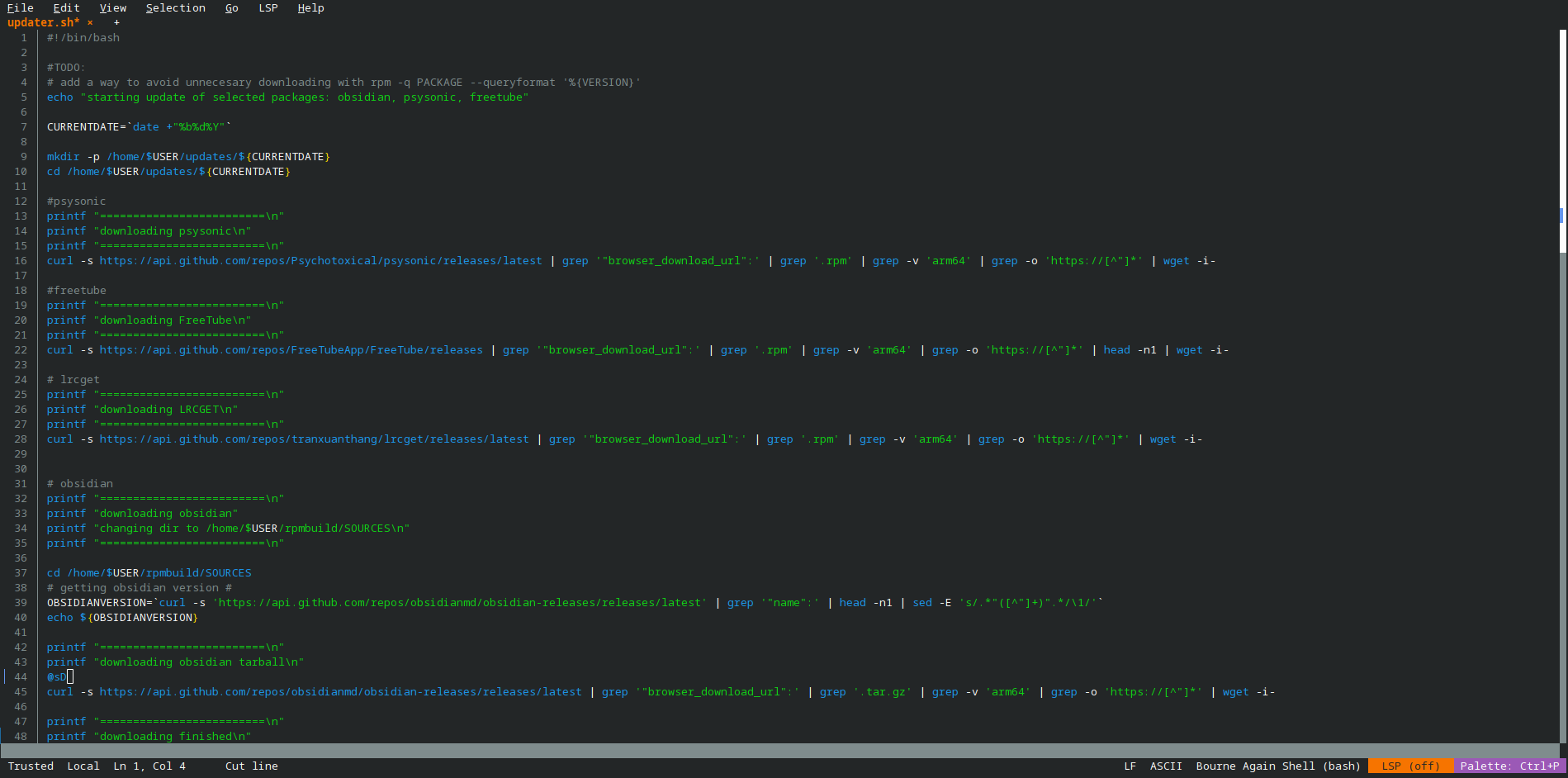
I found Fresh while searching for terminal tools, and honestly? It is a neat editor. It’s like VSCode but in the terminal, and it also has stuff like support for language servers that you can install, and those can highlight your code for you. It has a built-in terminal, which is awesome because you can write code, run it, and see if it works, all within the same window. It also has a file explorer, multiple tabs, and other cool things. And the ticket: Windows-style keybinds! Which means I would be able to handle the bullshit with no issues at all. Also, it has support for LSP servers, which are servers that handle stuff like code highlighting, formatting and other neat features. I guess this makes it very easy to extend the functionality of Fresh without having to find Fresh-specific extensions. Pretty nice I think.
taskwarrior
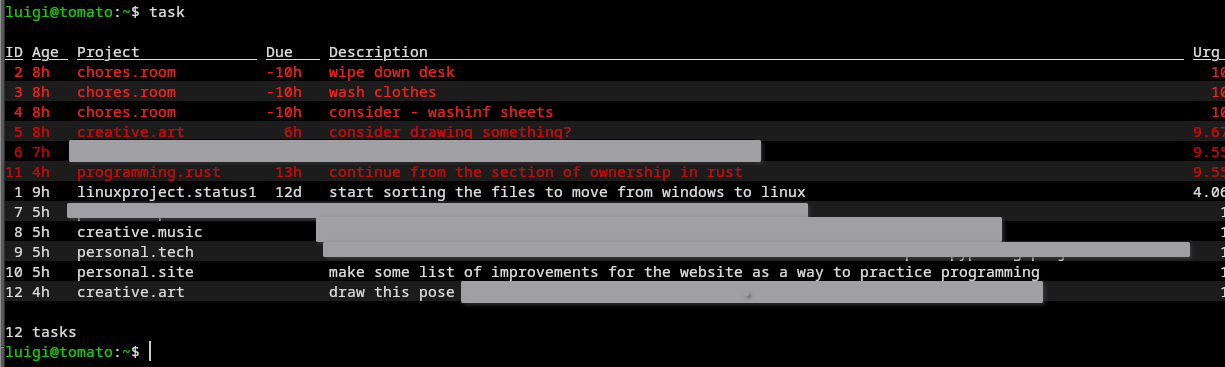
When it comes to a way of getting things done, I am very very bad at it. I used to somewhat manage, and I remember Todoist being very useful for this very purpose. But sadly, I decided to move away from Todoist, and then a nearly one year of trying a bunch of task management tools happened, but I couldn’t find anything that matched Todoist. There was TickTick, which had most features locked behind a subscription, Microsoft ToDo was okay, but relied on Microsoft, and then there was Vikunja, which was this tool that was self hostable, but I never figured out how to get it working properly.
I ended up settling with Nextcloud Tasks for various reasons. First, it works, there is a neat app that works with Nextcloud Tasks called Tasks.org, which actually has served me very well. Sadly, I was never able to find an app for the desktop that I liked. On Windows they were basically nonexistent, and on Linux, there were a couple that were okay, but these honestly weren’t great at all. Oftentimes these task managing apps were terrible GTK nightmares that didn’t integrate with the desktop at all, and I was never able to add subtasks, which was something that I could do on Todoist with ease. They also struggled to sync with my Nextcloud server, which means having to rely on them may be a little sketchy.
Another thing that I noticed quickly is that, the UI for Nextcloud Tasks doesn’t help me with concentration. Nextcloud expects you to use the mouse, and to fiddle with a web UI that kinda sucks. For example, to create a subtask, you first need to make a main task, and then click the three buttons and then a popup menu will show up, allowing you the ability to finally add a subtask.
While searching for something that used the terminal, I found this
tool called Taskwarrior, which is a task manager that ran on the
terminal. Unlike Nextcloud Tasks, Taskwarrior was pretty fast, you’d
just put in the task command, and type, everything is done
in the terminal, there is nothing to bother you, nothing to confuse you,
it is all laid out bare in the terminal, and honestly? This is nice.
While there are times when I am confused trying to figure out how to add
a tag, when it does click, it is pretty fast and speedy, and the system
where you specify the due date with due:date or the project
with project:projectname.subproject in my opinion was
fucking awesome. It seemed that there were no downsides to switching to
TW, but of course, there was one.
Android syncing.
So the way you do syncing with Taskwarrior (or at least, the way the devs and the apps expect you to do it) to Android is to basically get your hands on a third party server, or self-host it yourself. Selfhosting seems easy, that is until you find out that both the app and the server actually expects an actual URL that is publicly resolvable, and that means you’d probably need to do some fiddling and reverse proxying in order to make it work. I am not in a mood for that, so I did the next best thing: use Syncthing in a hacky way. So the way Taskwarrior works (at least recent versions of it) is that it uses a sqlite file for everything. The single file approach actually works a lot for me, because I don’t need to fuck around with multiple little files and ignore patterns or other bullshit. However, it is a sqlite file, which the devs themselves went on to state to “NOT USE SYNCTHING”1. There are premade options for syncing, one of them is called WingTask, which honestly smells like a privacy nightmare if I were to use it. Also, I bet basic features would be locked behind a thousand stupid paywalls because of course. There is another bullshit service that expects you to pay in bitcoin (not fucking doing that), and then there was another one that I probably forgot.
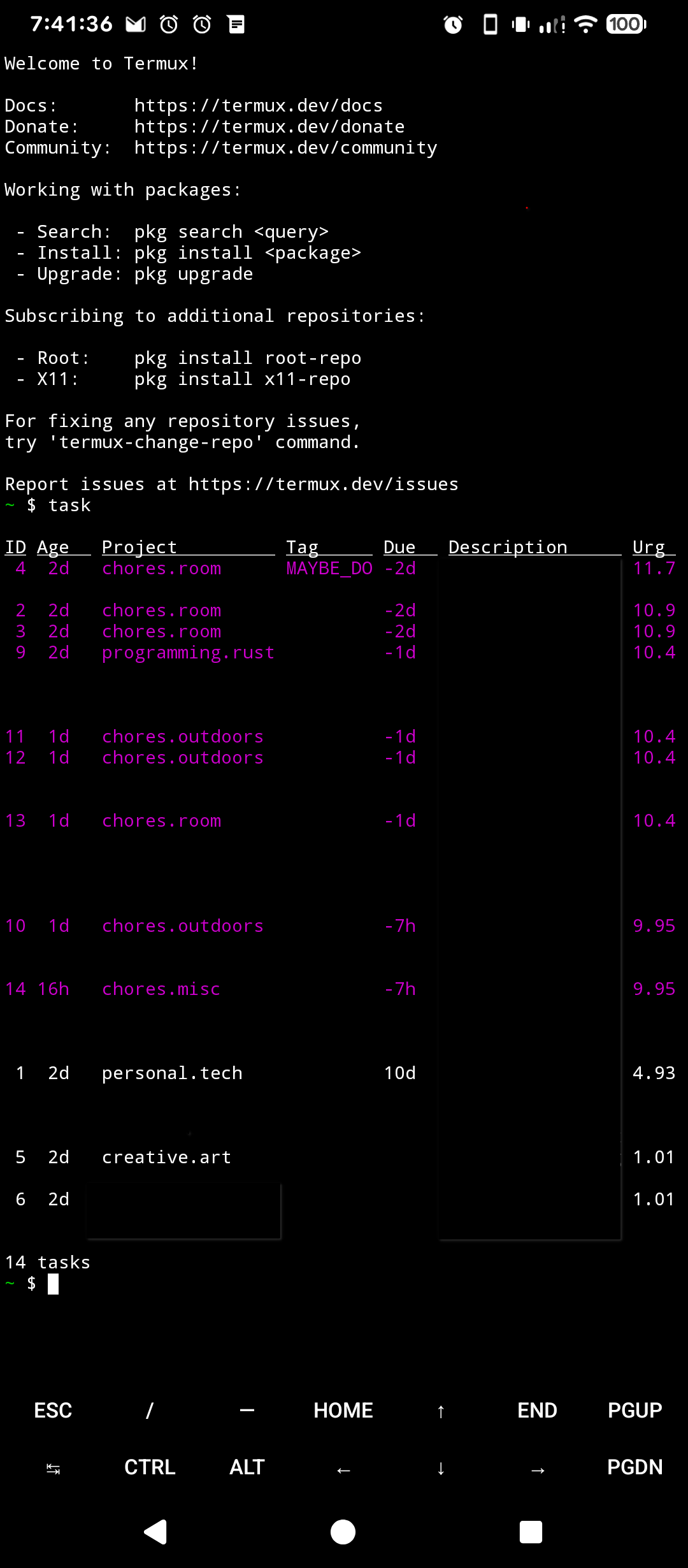
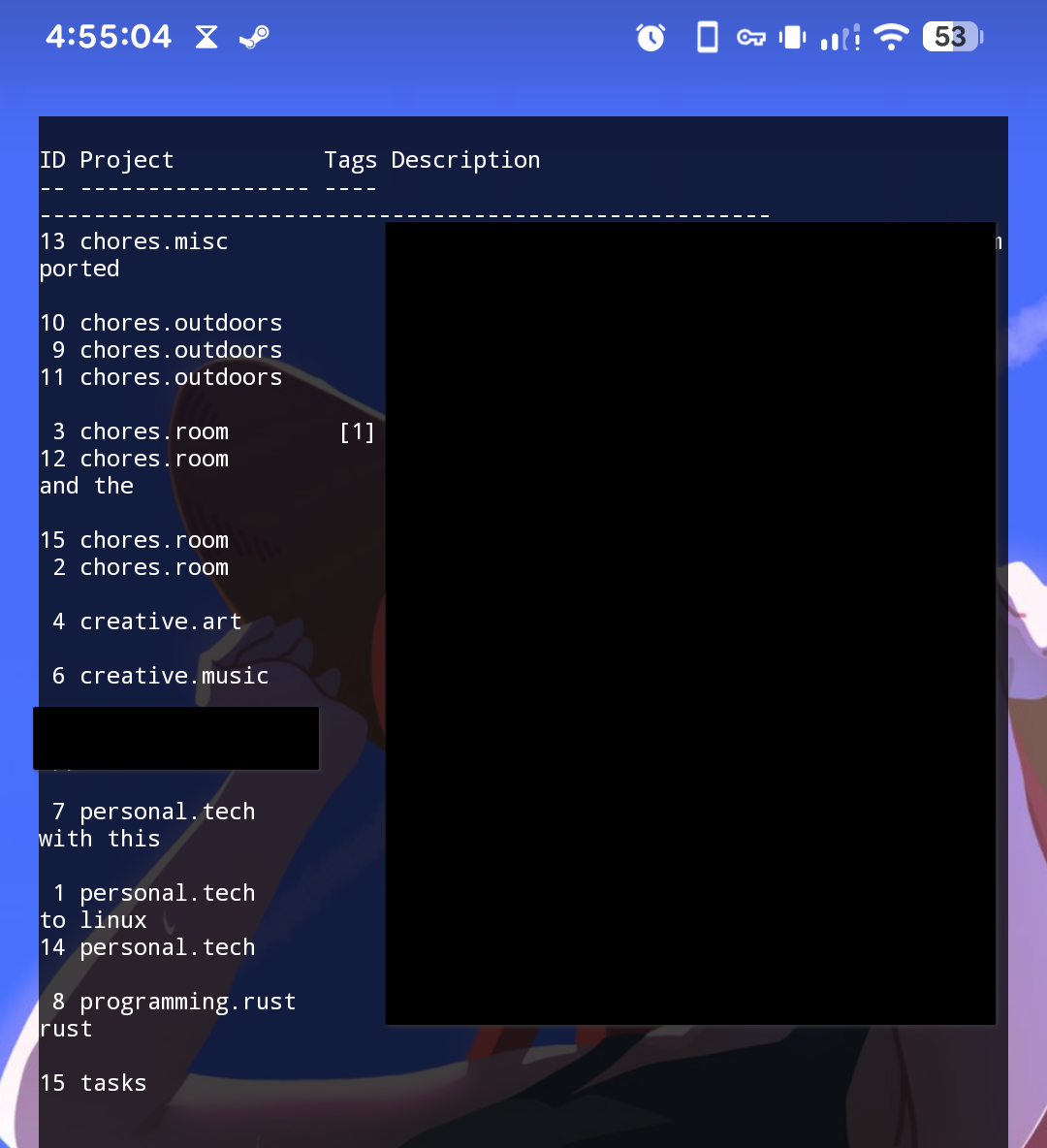
Using Syncthing to sync the tasks vault meant that I wasn’t able to
use any Taskwarrior apps for Android at all. These expect you to use a
server, which I of course don’t have. The next best thing is to use
Termux, which is a terminal emulator that runs a little Linux system on
top of Android. The way this is done is that you give Termux the ability
to access your file system, and then install Taskwarrior on Termux,
after that, you open the .taskrc file and point Taskwarrior
to where the files are. This is surprisingly easy, aside from the parts
where it isn’t (aka using a terminal with a touch screen). I found an
app called Termux Terminal Widget on F-Droid which shows an output from
a terminal. So you can add a new widget, and make it run a command which
is task min, which should show you all your tasks that are
due with the least information possible, this is to make it fit the
screen. It works, but my god is it very crude. Ultimately, this, along
not being able to access the file directly, and the very sloppy mobile
support, got me thinking of alternatives to this. While todo.txt is a
thing, I feel that the features it does offer are very limited for my
use case, and the apps for these are also very limiting on what you can
do, like I want the ability to add subtasks and todo.txt doesn’t really
support that, but I guess that is the point with todo.txt. Meanwhile,
Nextcloud Tasks does not have a decent desktop client, forcing you to
make use of either the website, or some number of unsupported half
finished desktop clients. Funnily enough, I tried Planify again, and I
was surprised that now it has gotten pretty good nowadays, so there’s
that.
cmus kew
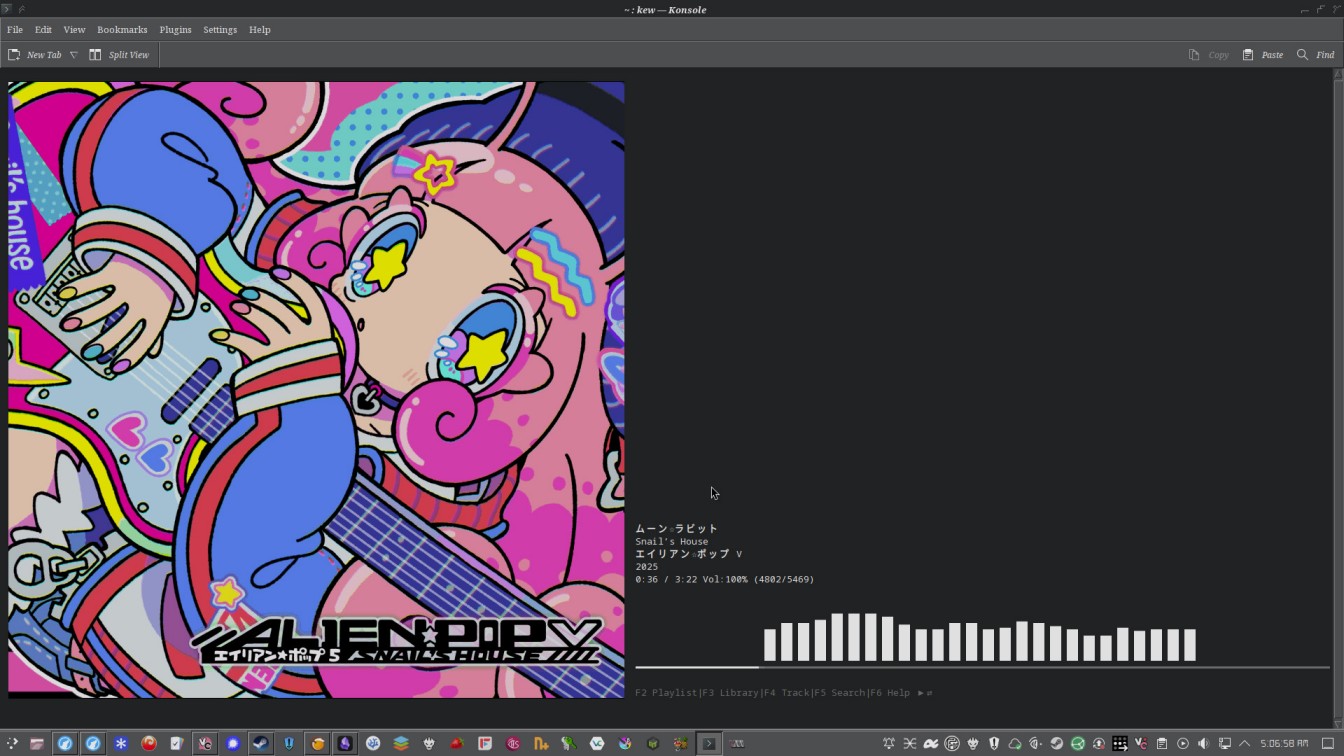
TUI music players always seem to show up uninvited when people ask for good music players on Linux. I do get why: these music players are, in theory, compatible with every computer that has a terminal emulator. They’re also lightweight and in theory, faster.
I first tried cmus but turns out I really didn’t like it. And then there was kew, which I feel it was more intended to be more form over function. The music player doesn’t show an album view (which is something I deem essential nowadays), omits the very useful “play next” feature, among other things. It also isn’t particularly stable, in the last two days I’ve been playing around with this, I have experienced two or three crashes in the music player itself, and it seems that larger artwork slows the program down to a crawl. Another thing that kew lacks is other advanced management features, like editing tools, or a rating system, which kinda sucks, and means that most likely it cannot replace your music player right now. Another thing it lacks, which I think is a bigger sin, is a “play song/album next” function, which at this point should be standard on every single music player, but not here. And maybe it is somewhere among the many keybinds that kew has, but I for sure couldn’t find it at all. So there’s that. I guess the bright side about kew is that it does support displaying your track album art in full quality, which is something I noticed a lot of music players just don’t do, which is pretty nice. I think if kew had support for star ratings, and had support for adding songs to play next, I think I would use it more, but since it has nothing like that, I guess it will only remain as a curiosity.
basalt
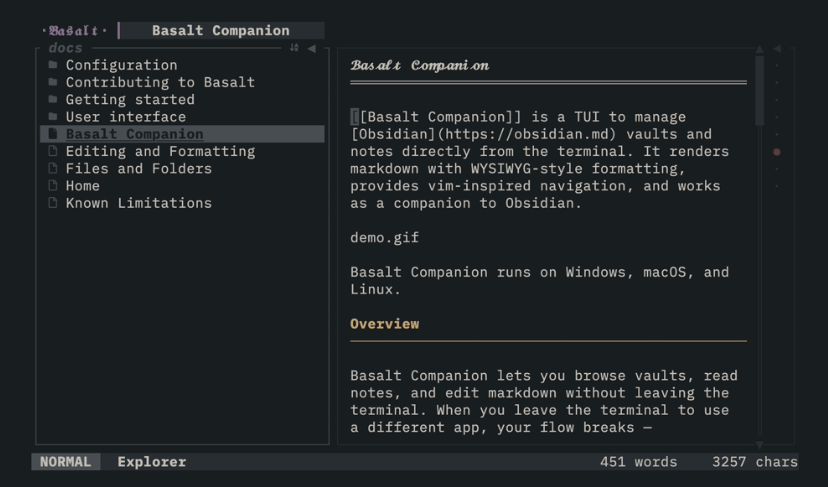
Basalt looked nice. Basically Basalt is a editor for Obsidian vaults, which is funny because it is just markdown files, anything can read those. Anyway, it seemed that it would work pretty decently. But then I tried editing it, and then realized that I wasn’t able to. It uses a modal style of editing that I am not particularly good at, and well, I wasn’t able to edit shit there. I didn’t want to learn the arcane knowledge required to launch the thing I need, so there’s that.
page updates
- 2026-08-18: page was just created.
-
i tried finding the page where it said this, but i couldn’t find it for the life of me, lmao.↩︎