obsidian says this takes 15 minutes to read.
look at the page updates here
the using linux jumplist
It has been a month since the last post regarding using Linux, so I decided to go ahead and make another post about this. After a couple more months of using Linux, I think I have gotten into a pretty stable state where I am somewhat happy with the state of things on the OS, I still haven’t found a decent music player, and I am still struggling with coming with terms with the security state of things on Linux, but for the most part, I am pretty okay with the current state of things on here.
fedora 44, time to update again (lmao)
Fedora 44 just got released a couple weeks ago, so I decided to go and update both my laptop and server to 44. It worked well, and there was no issues this time around. In the same way as the last update mentioned on the post here, nothing much happened of note. I also decided to update the server I have to 44, and same, no issues at all, and all my services (Nextcloud, Tailscale and its exit node, qBittorrent, Syncthing and Jellyfin) all seem to work without any issues.
On my laptop however, I noticed a new issue with SELinux on there. It
seems there is this thing called systemd-tmpfile that wants access to a
certain folder called /proc/pressure. I am not sure why it
needs this access, but like it doesn’t interfere with the system, so I
guess I will leave it as is.
linux on the main pc (and the uncertain future of the victus laptop)
I been thinking that maybe it is time to sell the Victus laptop to someone in my family, as a way to cover some costs for some stuff that showed up. To be honest, after I graduated, this Victus laptop really has not been outside this house at all and it only has been used as a laptop that I use while I am in bed. This would be fine, if it wasn’t the fact that this laptop is very heavy (gaming laptop moment), weighing in at a good 2kg. This is a bit too much for like just using it while in bed, and it really becomes uncomfortable especially when you have the charging cable connected to it, which is something you’ll have to do often on this laptop (again, gaming laptop moment, lmao). Another reason why I been thinking about selling this laptop is that, I kinda want to get my hands at a Thinkpad laptop or something, just something lighter that can run Linux without any issues, and I think that a Thinkpad laptop would be the best choice, considering all the community support that thing has, and it would probably have significantly better battery life compared to a full fat gaming laptop. Also, Thinkpads are cool and awesome ngl.
If I end up getting rid of the Victus laptop, I would probably get Linux set up again on the main PC, which is fine, except for the fact that I have less free drives to play with, and the current SSD hellscape kinda makes drives of any size very expensive. The 1TB hard drive that was on the PC (and used on the Linux partition when I had that) is now in my server, and I do have 2 spare SSDs, but these are 1: pretty crappy DRAM-less drives that I have for a long while, which would kinda make the experience of using Linux somewhat of a pain, and 2: these drives are only 500GB, which is not enough for all my programs + a selection of games I would like to test. A solution could be to get a cheapo NVME expansion slot, and scrouge up some NVME drives for cheap on the used market (if I am still able to get a deal in this damn economy), and use those instead.
All of this would probably be made worse by the fact that my main PC has secure boot enabled, which would be fine, it is something I can turn off, except for the fact that all the drives on this PC are Bitlocker’d, which would probably try to lock me out the moment it detects the secure boot status change. I do have my recovery keys backed up, but I don’t really feel like typing in a 40 digit password. I am also not that sure how Bitlocker would act with Secure Boot off, so there is that too. I could probably disable it temporarily so it doesn’t freak out, or fully disable it since like it is a home PC. For now, however, I would need to see what to do.
the security footgun
I’ve been worried about Linux security for a while now (as mentioned here). Basically this all stems from me finding out about a series of articles and blogposts where they explore Linux’s security flaws (which pretty much shattered my previous belief that Linux was so much more more secure than Windows). These articles touched on stuff like verified boot not really being a thing on Linux, the fact Linux is written in unsafe programming languages, or how the existing solutions for sandboxing are pretty mediocre compared to something like what you can find on Android or other operating systems.1 Depending on the time, I would be worried about this, and then other times I was like “welp fuck it who cares” until I look more into the rabbit hole and then I am back to square one (insert that Walter White falling gif here). Recent vulnerabilities like Copyfail and other Copyfail-likes really made these concerns more significant, and despite the fact these can only be done with physical access to the computer, I still have my concerns. What if an app I trusted, got hijacked and then later hacked and made into malware, or what if I accidently ran the wrong script? What in Linux is stopping that app from causing chaos in the system? If I want to go full Linux in the future, I decided that it would be a good idea to look into ways to harden the OS, so as to avoid a disaster if an app happens to go rouge.
I been wanting to try some system hardening for a while now, and there was a number of guides to chose from, but I found instead an “all in one” tool called Brace. The tool is dead simple: it asks you some questions and it does some hardening for you. It ideally makes the pretty intimidating process of hardening a system, boiled down to a yes or no questionnaire. So I ran the thing, and everything looked fine. The system didn’t had any issues, and stuff just went by as normal now. This was, until I started having some issues with it.
While booting, I noticed the NVIDIA driver would not load, and would load the Nouveau drivers instead, despite these drivers being blacklisted. I wasn’t sure why this was happening, so I decided to look into it further. First I decided to force akmods to rebuild the NVIDIA modules for the kernel and this usually works for fixing driver mishaps, but this time it didn’t help at all. So next, I fully uninstalled the NVIDIA drivers, then rebooted, and finally installed them again, remembering to reboot once more. This also didn’t do anything. After that failed attempt, I thought it could be the new kernel, since a couple of days ago, I got the new 7.0 kernel installed via updates, so I tried booting an earlier kernel, and hoping something would change, but nothing still. With all of this failing, I decided to just load up the journalctl logs and just, stare at them, and see what was happening, and I noticed that the kernel never tried to load the NVIDIA drivers, like at all. It just instantly failed, and I tried to find if anyone else was having the same issues as me in the Fedora forums, but it seemed that I am the only guy around having this problem. On a whim, I decided to see what the GRUB file looked like, and it was a mess. Turns out Brace modifies the GRUB file, like it adds commands that change how the kernel works (for “security hardening”), and it seems it does not check if the entries are duplicated, so I decided to manually delete these duplicated lines. I was hoping this would fix the issue, but turns it it didn’t do anything. I decided to remove all the hardening options that Brace added to the GRUB file, and turns out, the these were somehow preventing the NVIDIA driver to load somehow. And now, the NVIDIA drivers now work without any issues. Kinda expected I ran into an issue after trying to take the easy route, lmao.

I think in the future, if I were to try hardening again, I may try out actual guides, maybe keep a VM for testing of sorts. I kinda also want to experiment with Firejail and confining my programs with it, but I kinda worry I may end up blocking something that I would not know how to revert. Alternatively I also may try something like Secureblue again, maybe using a secondary computer (or a virtual machine) for this purpose to figure out the exact configs I may need.
trying to get vesktop’s vcnarrator plugin working, and flatpaks kinda suck lmao
Vesktop is a mod for Discord that makes the whole thing slightly less
shit. I’ve been using it for a while and surprisingly it has been
without any issues. However until recently, I was struggling with
getting VCNarrator working, which is a plugin that makes Discord speak
the usernames of those who are joining, leaving, changing voice channels
and more. It helps to keep track to what is happening in a VC, and I
like being able to know who is joining without having to see the screen.
This plugin requires a TTS system to work, which in Linux can be a
challenge, especially if you make use of Flatpaks. I had to pass a
command that was --enable-speech-dispatcher so Vesktop was
able to access the speech synthesizer program. However, this worked once
but never again, so uh I decided to reinstall Vesktop with the RPM they
provide, and this time it was able to access the voice synth without any
issues. Kinda surprised that all this time the issue was Flatpak being
annoying. All of this for sandboxing that isn’t worth shit most of the
time, lmao.

user requested access to the tts system!
vesktop: i consent!
speech dispatcher: i consent!
flatpak: I DON'T!
Another neat thing with installing Vesktop this way is that now it is able to access the ability to send notifications to the system, as well as show a notification badge, which is also nice. To be honest, I am kinda tired of Flatpak in general, having to deal with permission fuckery (for example, like with Signal not being able to access the system key wallet), to the point I just want to avoid Flatpaks wherever possible. I would like for stuff to just work, not having to deal with shit like Flatseal at all.
desktop updates

can you tell i love this game? original art here.
Theme-wise there hasn’t been any changes to the OS at all. The theme is still the same gray theme with the same icons on it, however I been kinda getting somewhat annoyed by the icon pack. The reason of this because there are some apps where the icons aren’t applying properly, and it seems this is either caused by the icon pack or the theme, whichever. From what I can find, it seems that the icons themselves are just filled in with white, and it specifically affects programs that use GTK, like Nicotine+ and Handbrake.
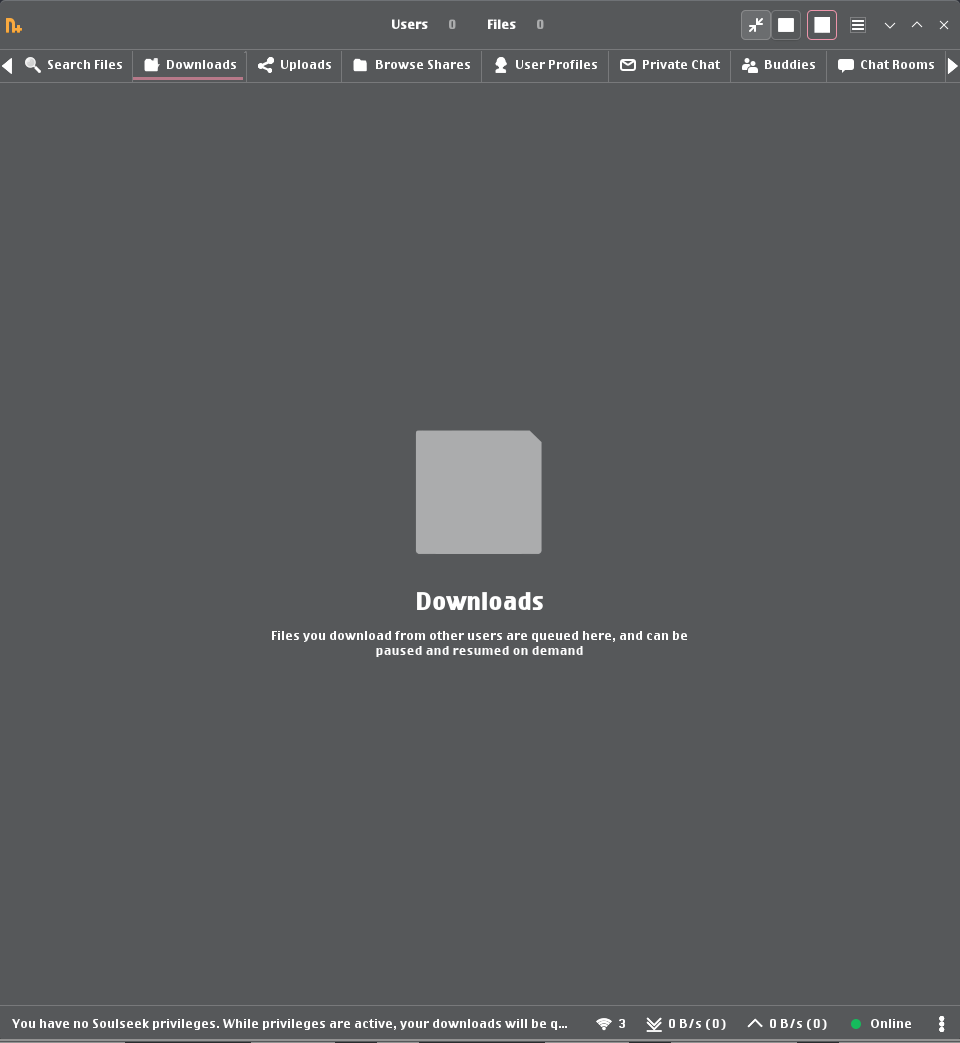
There are some other changes made to the system, mostly swapping out programs and other small tweaks to the OS. Here it is, as follows:
-
I decided to remove Ferdium because that I kinda don’t trust it that much anymore. Like, it is a cool project, but it is like a browser shoved into some thing that allows it to show notifications, and I could just do that in the browser I already have installed. I am also not sure what changes they made to the browser view, like did they remove sandboxing? Is it secure? Who knows.
-
Betterbird was replaced with Thunderbird, since Betterbird doesn’t offer a non-flatpak version of the app (or, a version that runs on Fedora)
-
Switched from Visual Studio Code to VSCodium. This has the added benefit of giving the middle finger to Microsoft, and having a code editor that isn’t slowly being eaten by the slop.
-
Using SMPlayer instead of VLC because it can actually handle videos on SMB shares. I also like the look of it too, which is a bonus.
-
Got two apps installed as a proper RPM instead of a Flatpak: these being LACT and GPU Screen Recorder. From what I can tell, LACT may be my solution for my issues regarding the lack of MSI Afterburner on Linux, and this may allow me to control the fan speed without any issues. Meanwhile, GPU Screen Recorder is basically a clone of what you’d get with the NVIDIA app, without the NVIDIA bloat, it is also very fast and seems like it would work quite well, however I need to test this more. To be honest, I wish I had something like this for Windows to be honest.
-
as much as I abhor Chromium browsers, keeping one around is useful for those sites that do not like Firefox, or that do not like Librewolf’s specific hardening options. I ended up finding Helium browser, which seems like a good option tbh. It has an adblocker and other hardening options that make it a decent browser.
tangent 1: 8mb.video sucks, use handbrake instead // building up a video library
I think the worst thing that I had to deal recently with is Discord’s awful 8MB video limit. It is such a stupid restriction, obviously put in place to convince you to buy Nitro. I remember that limit was larger, like up to 25MB, until it went back down again, because fuck you. Trying to send files larger than this limit in Discord is a chore in frustration, that involves compressing images and video to dogshit quality, and dealing with sketchy websites that are full of ads. I found the best way for videos is to use HandBrake, since it is a decent tool and it is free to use, and it is significantly more flexible compared to these shitty websites.
Also, Handbrake is a great way to compress video just in general, and I been using it as part of my project to save all 1000~ Youtube videos that are currently in the playlist of videos that I want to keep. I feel building an offline copy of like all the stuff I like is wise, especially in the current climate of videos being removed for the smallest things ever. An example of this is like, in one of my favorite videos, Fear of Cold from Jacob Geller, had a 90 second chunk torn out because of copyright bullshit, despite the video being public for like, 4-ish years now. What a load of bullshit.2
Video is kinda annoying to store however. It is probably the largest drive filler that most people encounter on a day-to-day basis, since any high res video will quickly fill up a hard drive. My solution is to compress them to the point they’re small enough to store with no issues, but still retain enough quality to be watchable. I am not sure if I am using the correct settings, but oh well. The plan to store these is basically to shove them into the server into a separate drive, and let Jellyfin access that drive, so I can play these whenever I want. I can also sync these across Syncthing to my phone or laptop, if I want a copy that can be played offline at any time. The stuff I am trying to save are basically videos that I enjoy, as well as funny memes and other stuff that I generally want to keep around. In the future, when I am not broke, I may rebuild the server to have redundancy or something, but now is not the time.
page updates:
- 2026-05-16: page was created.
-
do keep in mind this is from the perspective of an idiot who knows jackshit. there is a possibility these flaws do not matter in the real world, who knows.↩︎
-
also somewhat disappointed at Jacob for like, only making the unedited video behind a fucking paywall. i know that every single fucking youtuber now is now moving to nebula because youtube is abysmal dogshit but come on man. anyways i found the unedited version on the internet archive. internet archive my beloved…↩︎