obsidian says this takes 11 minutes to read.
look at the page updates here.
the "using linux" series jumplist:
- part 1
part 2: you are here
It has been a couple weeks of getting back into Linux on this laptop again, and we are finally at that point when the OS is fully set up now. Stuff feels like it should, programs are now set up and ready to be used, any apps that needed a sign-in are now all set up, and now there isn’t anything that hasn’t been already configured, from what I can tell. I have been giving that laptop semi-frequent use, using it for watching shows, YouTube, just general web browsing, and more. For that, it works great. I kinda want to set up Linux on my main PC again, but I have Secure Boot on there because I use Bitlocker for the boot and storage drives, and I know full well that the moment I touch that setting on my BIOS, I will get locked out. I do have a copy of the recovery key saved to Keepass, but it is just yet another annoyance to deal with. And I don’t feel like signing bullshit to get NVIDIA drivers to work. Anyways, for now, my laptop has been working quite well in fact. I don’t use it for much gaming (what having a GTX 1650 does to a mf) but I do use it quite a lot for just general stuff now, which is neat.
sleep issues: electric boogaloo (but sometimes)
This time around, I noticed that sleep issue that I used to have on this laptop seemed to be kinda fixed now. However, the issue still lurks around, sometimes when I try waking up the laptop from sleep, it goes into that dreaded loop of “screen on > screen off > screen on” that I noticed with this laptop, but at least it doesn’t happen that often anymore. I also noticed that this laptop takes abnormally long to wake up from sleep, which is another classic Linux issue on laptops it seems, but at least now it wakes up 7 or 8 times out of ten, instead of never times out of ten before.
I’d like to think some guy made some sort of patch to specifically fix these laptops, or something else, because back in October when I was still using Linux, I still had times where my laptop would be stuck in trying to wake up from sleep. Now, it rarely happens, which is a great thing to see, I think.
nvidia stole my fuckin boot splash screen
I don’t know what exactly is happening, but I noticed a trend where if I install NVIDIA drivers on Fedora with the rpmfusion install method, my splash screen, the one that hides the text bootup that Linux has stops working afterwards. I mean, I love the aesthetic of like this computer booting up in text mode, then loading up a classic looking UI, which is what I am trying to go for. But at the same time, the first time it happened, I thought it was fucked until I pressed a button, and then suddenly the text prompt for the drive passphrase showed up. I then realized I was waiting for the passphrase entry screen, and the laptop was waiting for my input. Kinda funny, I think.
battery that doesn’t last for shit
The HP Victus was never going to get good battery life. Like, it’s a gaming laptop, it was never really expected to have great battery life, like at all. However, I at least was able to get something like 3 or 4 hours out of it, this being on Windows.
Sadly, to get that battery life that I mentioned above, you pretty much need to download the HP Omen shitware, which fucking sucks, but it seems to be the only way to automatically turn off the dedicated GPU. Without this software, my battery life seems to be somewhere around two hours and three hours, which kinda sucks really. I remember reading on Reddit that apparently the backlit keyboard contributed to the poor battery life, but I was never able to confirm that. Apparently there is an option to get these laptops with a larger battery, which is something like 70Wh, compared to the mediocre 50Wh my laptop has. I may get the battery upgrade installed one of these days, but like trying to find batteries for older phones, trying to find a battery for something that isn’t a MacBook is pretty tricky, me thinks.
Linux on this laptop makes the battery even worse. Battery life on Fedora regularly reaches somewhere around one and half to two hours, and even less if I really push it. I don’t know what exactly to do, since Linux was never built with laptops in mind, so like it has some shit-poor battery handling, from what I have been able to find. I do remember seeing some tuning tools that I could use to make that battery life better, but I don’t feel comfortable trying to get these set up, and then worry if I would break something the moment I want to get rid of these dumb utilities.
Got to admit, next laptop I am getting is certainly a fucking Thinkpad, that’s for sure. I heard these have great battery life on Linux, and there are the pretty neat System76 laptops I remember seeing, and that I kinda want to get one, tbh. Apparently S76 does a lot of tuning to the kernel to make the laptop’s battery life not be terrible.
discord and only discord having issues with, brightness levels??? (also, me wanting to get tts working on linux i think)
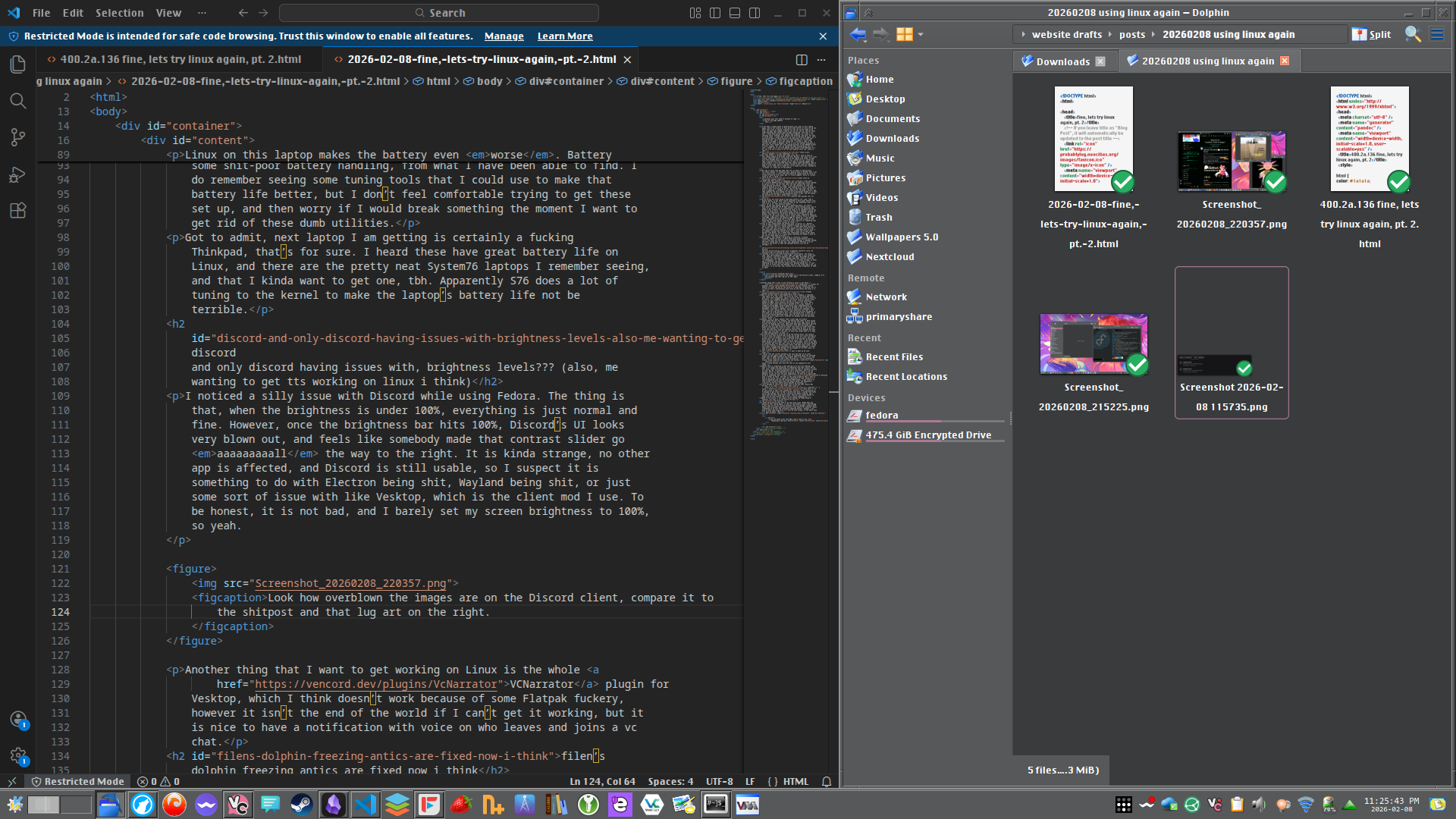
I noticed a silly issue with Discord while using Fedora. The thing is that, when the brightness is under 100%, everything is just normal and fine. However, once the brightness bar hits 100%, Discord’s UI looks very blown out, and feels like somebody made that contrast slider go aaaaaaaaall the way to the right. It is kinda strange, no other app is affected, and Discord is still usable, so I suspect it is something to do with Electron being shit, Wayland being shit, or just some sort of issue with like Vesktop, which is the client mod I use. To be honest, it is not bad, and I barely set my screen brightness to 100%, so yeah.
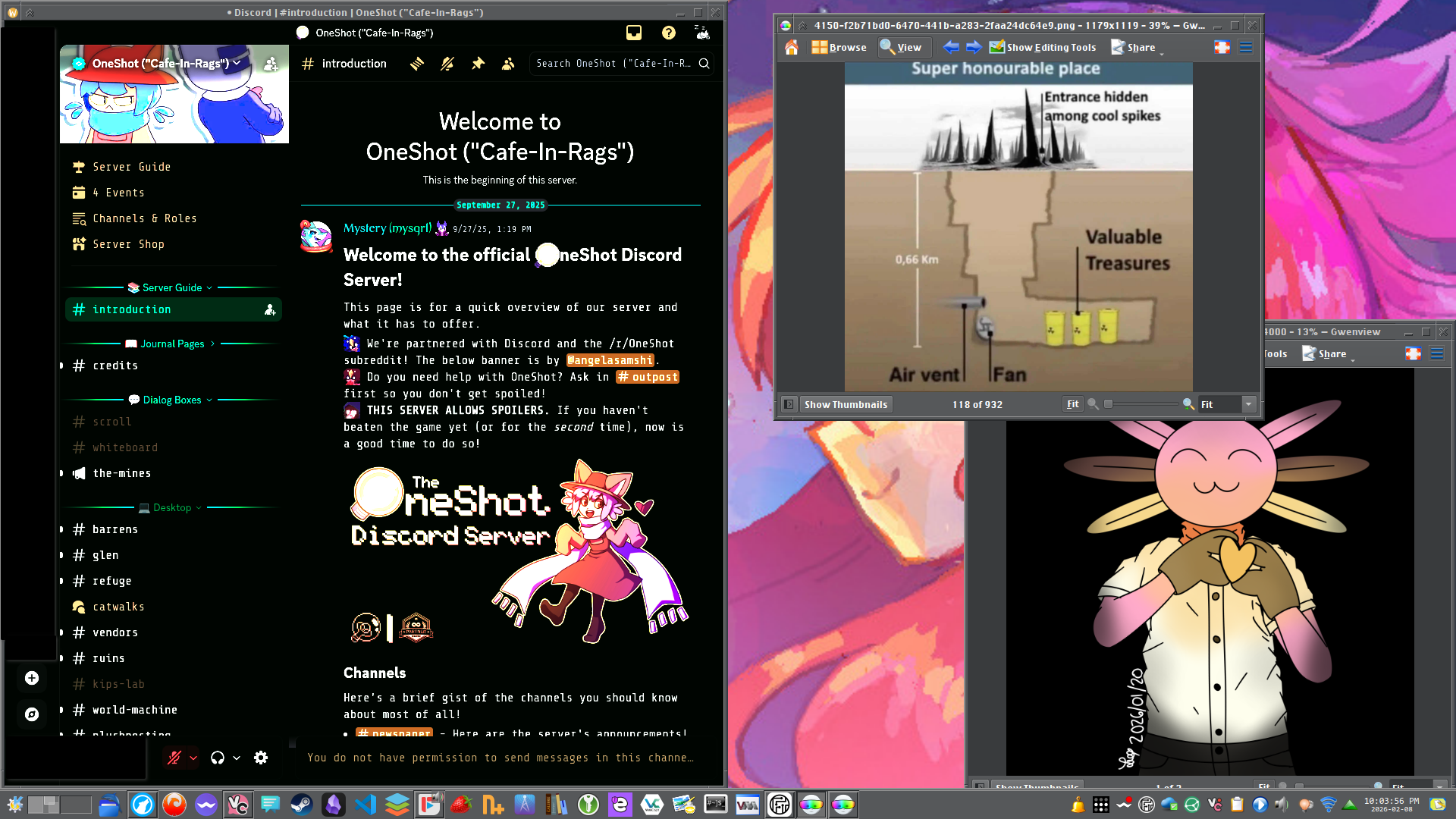
Another thing that I want to get working on Linux is the whole VCNarrator plugin for Vesktop, which I think doesn’t work because of some Flatpak fuckery, however it isn’t the end of the world if I can’t get it working, but it is nice to have a notification with voice on who leaves and joins a vc chat.
filen’s dolphin freezing antics are fixed now i think
Back in the day, when I used Google Drive like a dumbass, I realized that there is no real client for Drive on Linux, and while KDE Plasma does offer some integration, sadly I found it not particularly great to be honest, as I remember Onlyoffice (my office suite of choice) would simply not open files from this virtual drive. I would eventually migrate to MEGA, which actually had native support for Linux, and I would use that client every time I decided to try Linux. However, I stopped trusting MEGA, because apparently their implementation of encryption is probably lousy, and so I decided to hop on the Filen bandwagon. From what I remember, Filen is pretty well regarded, and I use it as like a backup for only the most important shit that I care about, and for like personal files, like tax and any work documents, I also make use of VeraCrypt as well. For everything else, I make use of my own self hosted Nextcloud thing, and I do plan to go full in with Nextcloud once I figure out a solution for backups with the Nextcloud server itself.
Anyways, Filen is good, however their client apps are pretty undercooked I’d say? For example, the Android app seems to have issues with syncing files if they are edited via the Files app, and on the PC clients for Windows and Linux, there have been many times where syncing gets put on hold because Filen detected a file that was being used. Usually this will get solved by itself, but there are other times that Filen just doesn’t fix this by itself, which makes me have to go into Filen and then press that big “Resolve” button, which doesn’t say what it does, but from what I can tell, it tells the client that it is okay to keep syncing again, so yeah.
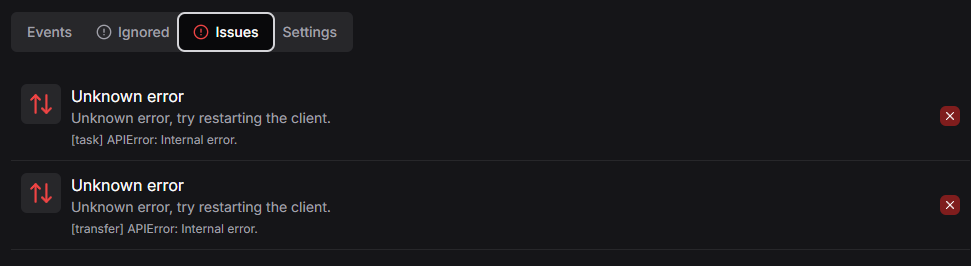
My favorite feature of Filen has to be the network drive. The network drive is this neat feature that allows you to add your cloud storage as a drive letter on Windows, or as a mounted folder on Linux. This works pretty well, but it leaves some stuff left to be desired. On Windows, Filen turns off the network drive, and on Linux, well, I had this issue where Dolphin would freeze, like for 30 or 60 seconds, until it was able to continue. Not sure why, but a part of me noticed if the Filen network drive was enabled, it would always freeze. And then other times, it did not freeze, instead just continuing as like nothing happened. It seems some sort of update from October to now managed to fix this issue, so that is great to see, I must admit.
i want to make my DE look older
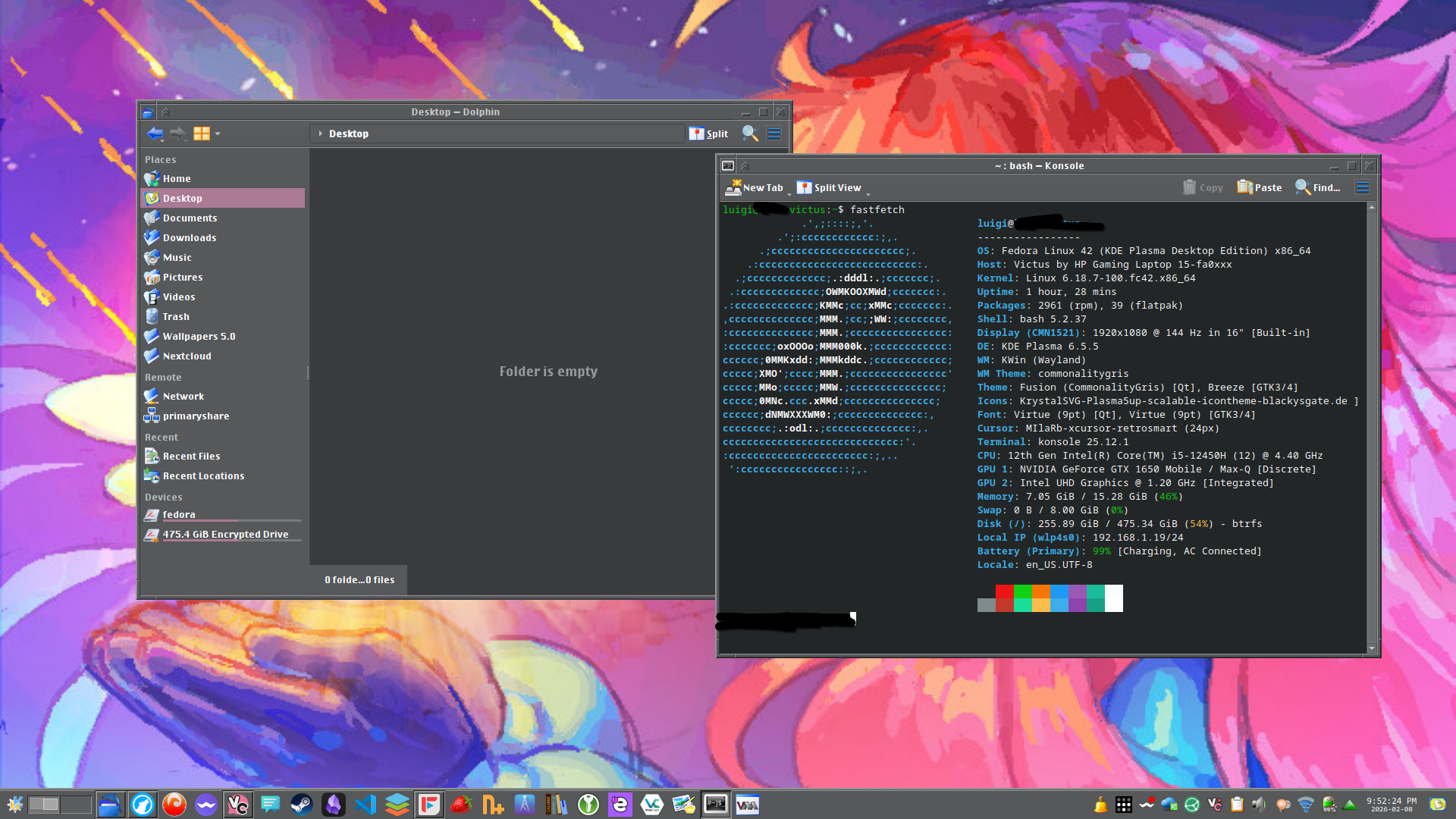
I really like the current aesthetic and look and feel of my Linux install on the laptop right now. There is something about the chiseled kinda look to CDE’s interface and windows that I just like a lot, and well, that is kinda the look I been striving for. I also installed a Crystal kinda inspired icon pack onto the system1, which I think matches well with the rest of the Commonality Gris theme.
However there is something I been wanting to do with the theming, and that is to change the animations to something like what classic Mac OS had. Like, those wireframe animations when you open or minimize a window in like, Mac OS. I would upload and link a video here, but I am not paying 5 dollar to have Neocities allow me to post videos on my own website, so you can just use your imagination. Or boot up a classic Mac OS VM on something like Infinite Mac and open a folder on there, and that is the kinda animation that I want to have on my system, but it seems very impossible to find, because if I search something like “Mac OS animation KDE Plasma”, I get results of like trying to make Plasma look like modern MacOS, and appending a “classic” to the last search query doesn’t do anything.
I also decided to switch the system font to the one that classic Mac OS uses, or at least, a font that looks close to Charcoal. I found this font to be very close to what I was looking for, and well, after installing it, I managed to get closer to what I pretty much want: a system that looks old on the outside, but can run literally any modern program, and I think that the neat thing about Linux, that you can simply decide to make your OS look ancient and no one is really stopping you.
Maybe in the future, I will make a sorta Windows XP theme setup or whatever, but that is in the future for now.
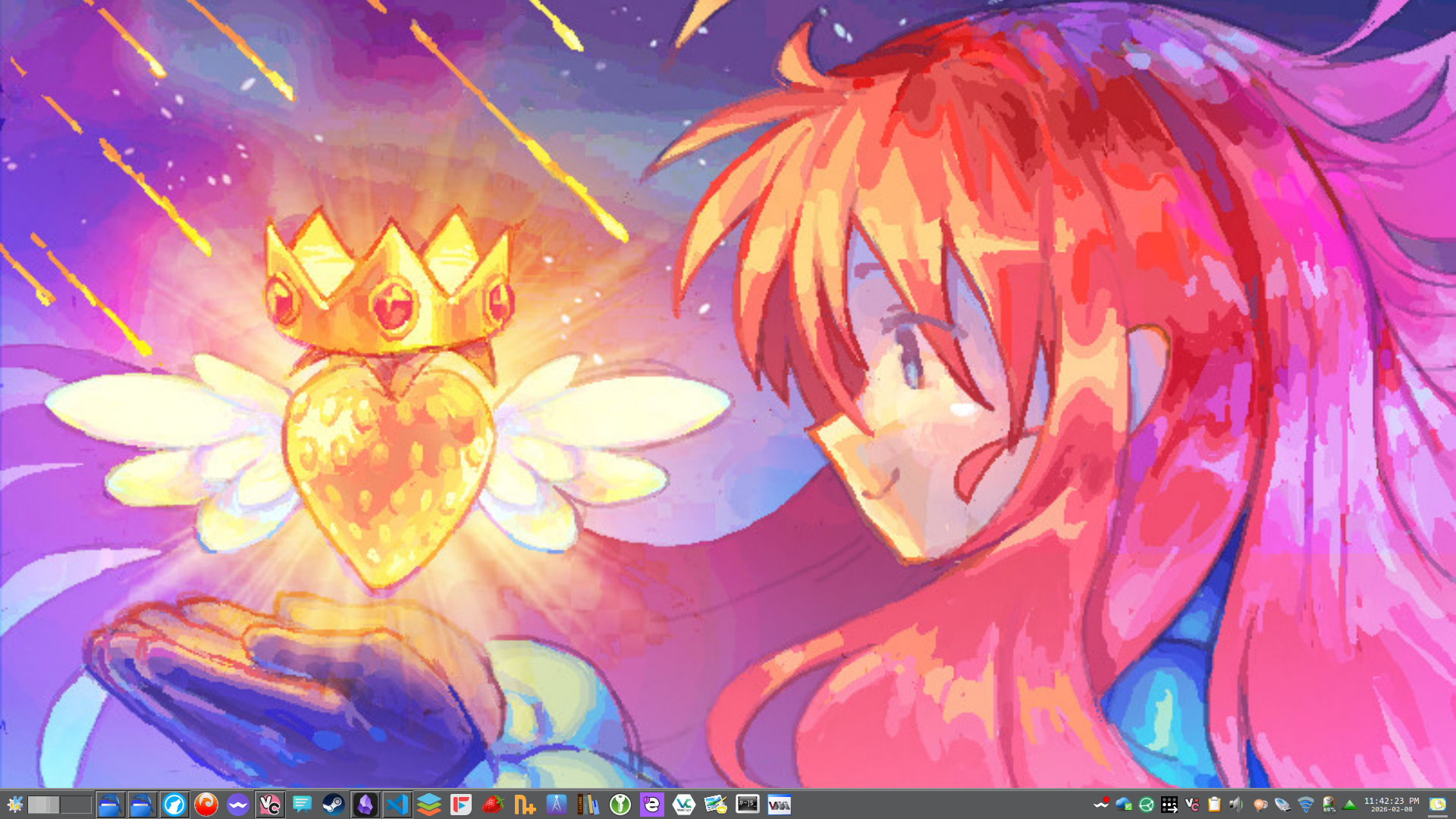
the future?
I don’t particularly know what to do next with Linux. Maybe I’ll get gaming on this laptop again, or work on the battery issue I been having. I also want to try out virtual machines with virt-manager, because both VMware and VirtualBox don’t particularly like Fedora for whatever reason (something to do with the constantly updating kernel). Anyways, I do plan to make some blog posts if I ever do such things, or let y’all know if I give up again, lmao.
updates:
- 2026-02-08: page was created.
-
aka the kinda icons that KDE 3 and 4 used to use, very skeumorphic i’d say↩︎