obsidian says this takes 11 minutes to read
look at the page updates here
I remember the first time I used Firefox. The year was 2009, and it was after I managed to somehow break the computer, somehow. My cousin, who was into computers at the time, got it fixed, and installed Firefox on said computer, and told my parents to only use Firefox, which meant I had to use Firefox. I thought nothing of it, it was just a browser after all, it can play flash games just fine, and i thought it was at least no worse than Internet Explorer was at the time. It was just fine, really. As I grew up however, I started getting more into computers myself, and seeing how popular Chrome was, made it really hard to ignore. Chrome was slick, smooth, nice to use, meanwhile Firefox looked dated, old, was slow and generally felt like a downgrade. Eventually, even loyal Firefox users started to jump ship, and would embrace Chrome like everyone else.
Mozilla would eventually work on making Firefox better, slowly yet surely. Fast forward to 2019 when i finally decided to fully commit to Firefox. The reason, being Google’s asinine decision to kill off ad blockers by moving to Manifest V3, and the moment I saw this, I basically just jumped off the Chrome ship and started to use Firefox full time. The transition was pretty easy and without any issues. I was so committed to the Firefox grind that I used the unfinished new version of the Android browser that Mozilla had cooking at the time, and it was very barebones, yet pretty fast for a Firefox browser on Android. I loved Firefox. It was fast, open source and had nothing of the shitware that Google has been trying to add to Chrome, it was great, but things would not stay that way forever. However, as time progressed, Firefox kept losing users, and with Microsoft releasing the Edge browser, most people really stopped caring about Firefox at all.
Mozilla kept trying to find out ways to keep itself (and the browser) afloat. It tried offering services like Fakespot and Pocket, it tried to shove these in the browser itself, they tried getting a VPN service that was nothing but rebadged Mullvad going but that also failed, they had a password manager but they ended up killing that, they had various awesome tools, yet all of these were huge failures. Mozilla kept trying everything, except actually work on the browser, y’know, the only profitable thing they manage to create? But instead, they went to work on making shit worse. The browser nowadays has no worthwhile features that it can use to differentiate itself from Chrome, which made it unpopular with regular users, and the ToS changes that Firefox did this year, ended up pushing those more privacy conscious / tech savvy users away to forks like Librewolf or Waterfox.
With the recent push for AI that Mozilla has been trying to push out, I now find myself in a very uncomfortable crossroads, between either cutting all ties off Mozilla, or simply hoping it doesn’t get worse. The options nowadays are either Firefox fork, or Chromium fork, and both are kinda shitty options nowadays. On one hand, you got Firefox who’s slowly rotting due to the abysmal incompetence of Mozilla, and on the other hand, you have Chromium, a browser controlled by Google, y’know, the company who pretty much has a total control on the modern internet. And sure, there is this AI “killswitch” that is supposed to disable all the AI shit, but like, I don’t trust these kinds of “opt-out” options anymore. We all full well that it will be yet another switch that will switch itself back on after an update. And with Mozilla’s long, long history of blunders, I don’t think anyone is willing to take another chance with them, including myself.
I really don’t want to use Chromium again. But Firefox is now rotten and I don’t think there’s anything saving it. And while for now, I been using forks, like Librewolf, these forks are inherently tied to Firefox, and if Mozilla slams the door on Firefox, or Firefox dies, these forks will also die too. But for now, we have these forks, and Firefox is still not dead (yet), so I guess we are fine for now. Librewolf is a great fork of Firefox, and does a lot to make Firefox even more private in my experience. And I wanted to go even further, by basically cutting off the middle man: ditching Firefox’s own syncing solution (called Firefox Sync or FFSync) and going with my own solution. But the question is, how?
I been wanting to not use Firefox Sync for a long while, partially because it is wholly controlled by Mozilla, and they have total control on whatever information you put on there. Think about it: passwords, bookmarks, browsing history, card information, the extensions that you use, all of this information is synced to Mozilla servers, and who knows what they’re doing with it. Are they using it for training AI? Selling this data to Palantir or whatever fuck ass company for money? Are they really even storing it safely? Who knows! And like, I done some work trying to move stuff from the browser: I got rid of my passwords from there and added them to a dedicated password manager; I also moved my bookmarks to my own Nextcloud server, thus avoiding Mozilla’s servers altogether.
But the issue arises when you try to sync other things that aren’t bookmarks and passwords, and well, we end up with a significant problem. I want to sync my browsing history, sync installed plugins with my other devices, and send tabs across my devices seamlessly, but there really isn’t anything similar to that, sadly. The only real way to sync these together is with the built-in syncing tool that the browser has, and sadly, these are not really something that you can run. Or is it?
So apparently Mozilla’s syncing solution for the Firefox browser seems to be just something that you can (in theory) selfhost. They even have a whole Github repository for it, called syncstorage-rs. It is, of course, written in Rust, and it is supposedly the exact same code that they use for the Firefox Sync backend. However, this is not an easy thing to exactly get running. Reading the readme.md file on Github shows how complex getting this to work actually is, requiring a bunch of random dependencies, manual configuration of the SQL server, even getting a Google Cloud instance to get authentication working. I had multiple issues with this. The first one, is that I am depending on Google for authentication, and sure, it seems that you can get a local emulator working, it doesn’t exactly fill me with confidence this will work? And the other thing, these instructions are not the greatest, and it gives me flashbacks to the horrors of dealing with Google Firebase, a thing that just has horrible documentation and that absolutely fucking sucked to deal with. So I decided to try to find another, simpler solution.
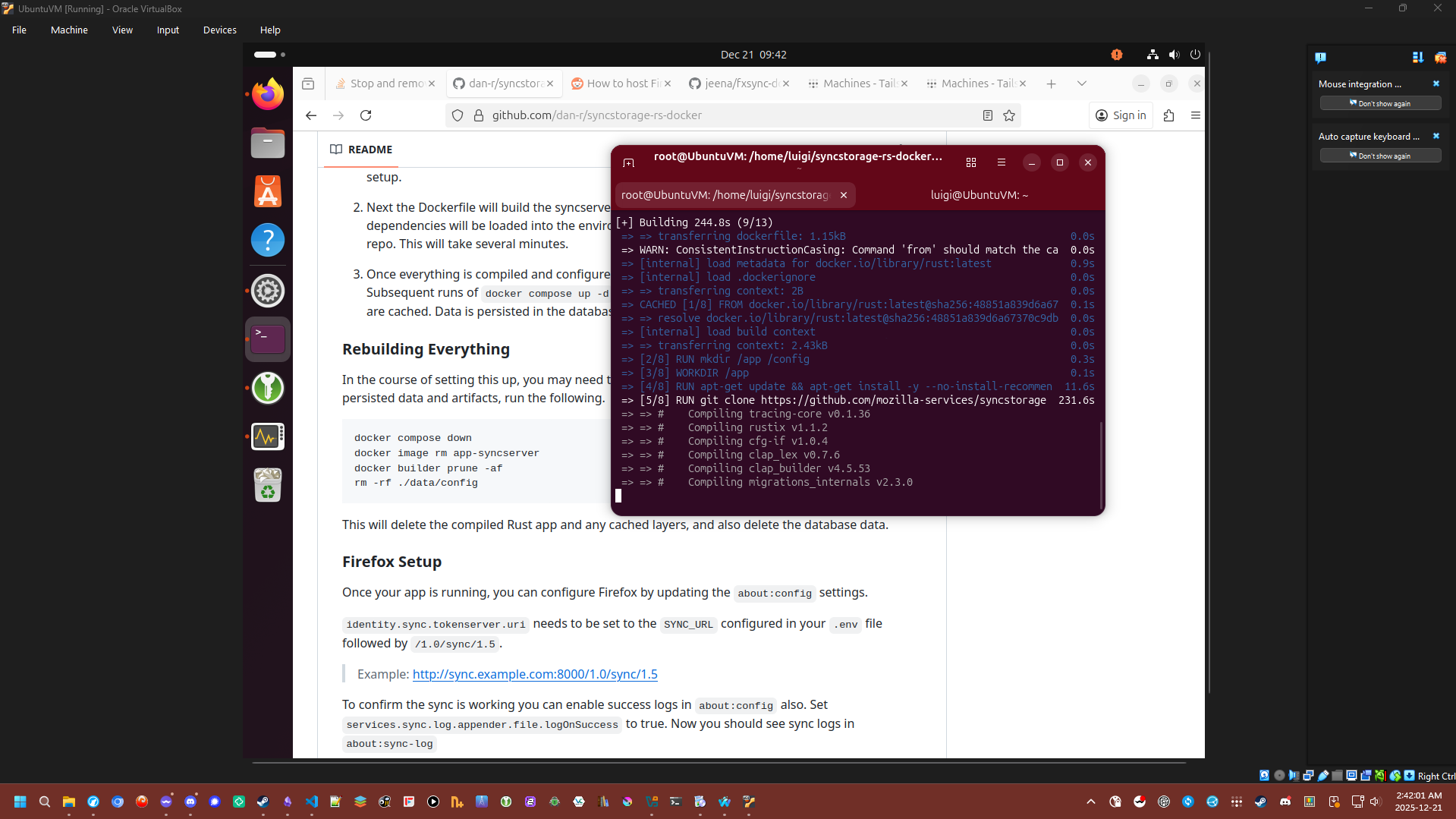
I first found this one Github repo that promised to make this work with Tailscale, and well, I decided to try it. It comprises of three scripts, one to fill in the docker-compose file with the necessary configs, the second one, gets the database ready and everything, and the third one, set up everything else, and got the server up and running. Sadly, I had issues every part of the way. First, my VM kept crashing every time I wanted to run the first script, and it turns out that these lines of code were causing the OS to fill up with memory and causing the process to crash. First I tried increasing the RAM limit to 16GB, but even that wasn’t enough,
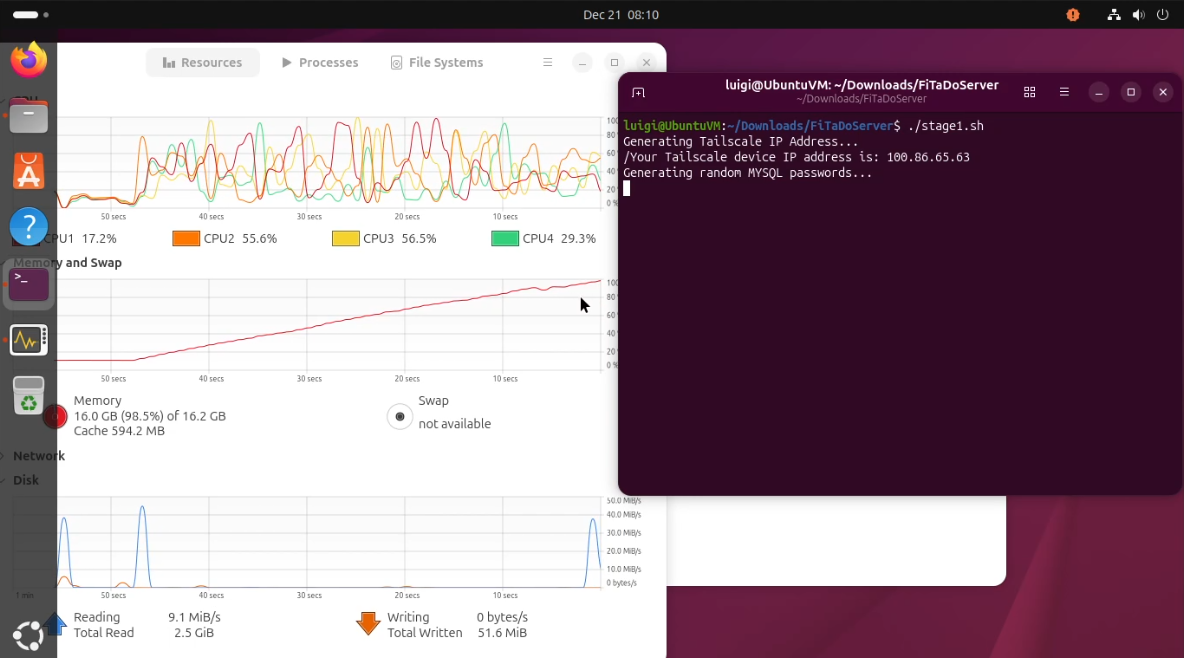
echo "Generating random MYSQL passwords..."
MYSQL_PASSWORD=$(cat /dev/urandom | base32 | head -c64)
MYSQL_ROOT_PASSWORD=$(cat /dev/urandom | base32 | head -c64)
SYNC_MASTER_SECRET=$(cat /dev/urandom | base32 | head -c64)
METRICS_HASH_SECRET=$(cat /dev/urandom | base32 | head -c64)So I decided to be like, “fuck it” and decided to fill out these myself, with the Keepass password generator, and with some trial and error, I managed to get a docker-compose with all the necessary information needed to run the thing.
Afterwards, it was just running the compose command, to get docker up and running, but that too was filled with issues. There were some incorrect information inside the compose file, and I had to manually sort out. Every time I thought things were going well, there was always one issue that snapped me back into reality. If it wasn’t the compose file, it was something wrong with the Dockerfile, maybe a line of code fucking everything up, and so I go ahead and try fixing that. And then I realize that something else is now broken, and now I needed to figure that out too. By the end, I was frustrated and kinda just gave up on the whole thing.
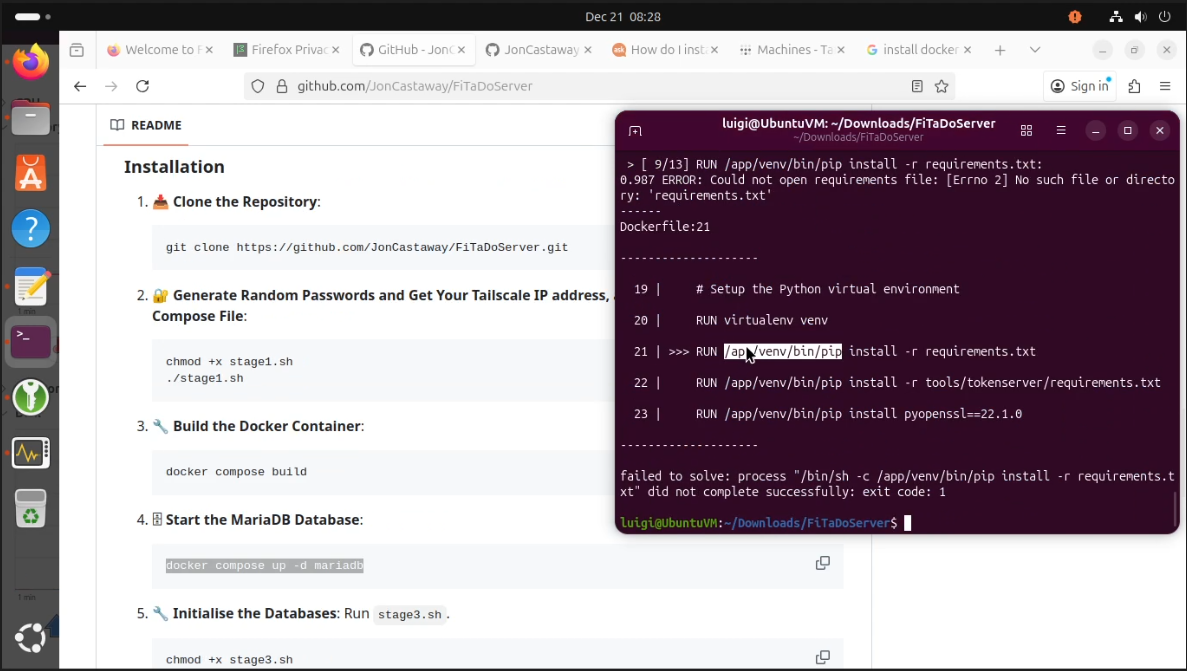
I eventually found another repo that had better instructions. It is this one right here, and right out the bat, it has instructions that are so much better. And I followed them to the tee, and even then, it wasn’t working. I had the server working, I changed the tokenserver thing to authenticate from the usual Mozilla one to the custom one, and I was still being greeted with the regular Mozilla account login screen. I didn’t know if I was doing something wrong, or if I was simply misunderstanding how this project works. I eventually found two blog posts, this one and this one, which go deeper with the details on what to do to get Firefox Sync working on your own server. I tried the first one, but I just could not figure out the instructions. The blog tells me to modify the compose file, and then asks me to modify a script that simply did not exist. So I decided to give up on that one.
The last blog post, was the closest I got FFSync working. It had clear instructions, which take the earlier repo mentioned earlier, and modifies it slightly. So you go ahead and generate passwords for the MySQL database, put these in the environment file, build the compose file again for Docker, and once that is done, get the server up and running. There was also another step that was needed to get everything running properly, and that was with a reverse proxy. I got to admit, I did not know what the fuck I was doing here. I saw there were instructions on how to use NGINX, so I went for that, and managed to kinda get it working? I don’t know honestly. Eventually, I managed to get a semblance of it working. But not really.

I tried connecting the browser to the thing, and the server seemed to
be reciving data. The sign in went through, even displaying some log in
information from the logs. But I tried saving a bookmark, and then
triggering a full sync, and no more information was displayed. I tried
sending a link across the other browser I was using to test, and even
that didn’t work. In the instructions they list a handy command to check
for registered users, and when I ran the command, the output was blank.
So it was clear it didn’t work. So I tried the
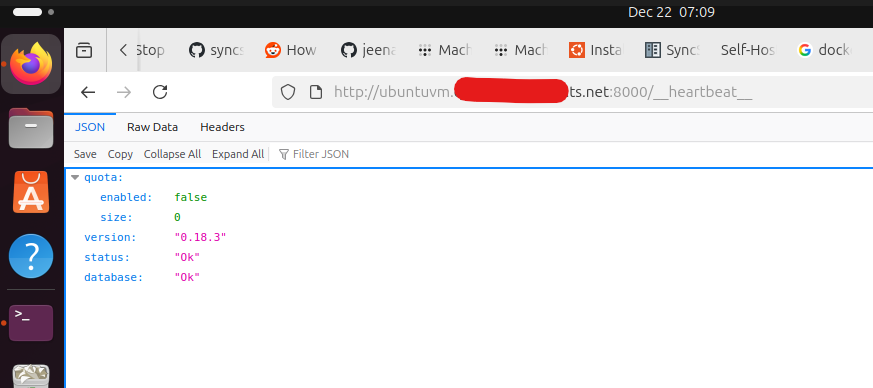
https://sync.yourdomain.com/__heartbeat__ thing, which was
supposedly a seemed to work, but still, no bookmarks were being
synced. I tried a lot of the troubleshooting instructions, with no
change in the outcome. And like it was about this time where I started
to think more clearly about this. Is this really using my VM? Or is it
just using Mozilla’s servers? I had no real way to tell if this was
really connected to my virtual machine.
Anyways, this was something I spent fucking 8 hours on, and it is kinda painful, yet at the same time, I kinda learned a bit better how Docker actually works, as well as how to use Tailscale more effectively. And I kinda realize plugin syncing isn’t that important? I can just make a list perhaps, and then update that list every time I decide to add or remove a plugin. Maybe there is also a more jank way to get syncing, and maybe I can figure out how to sync the whole profile folder with fucking Syncthing, like everything lmao. Meanwhile, with Firefox, they seem to be adding an AI kill switch, but when the new CEO considered blocking ad blocking plugins but only didn’t because it was “off mission”1, that is very concerning.
updates
- 2025-12-22: page was created.