obsidian says this takes 8 minutes to read.
look at the page updates here
I must admit, despite the fact that I like computers and the things that they’re able to do, I really do not like the process of cleaning them. Like, I know that we need to clean these machines every single year or so, but like, sometimes I am like “this is fine!” and end up forgetting about it for a long ass while. I live in a pretty dusty place, which means that my computer often gets pretty nasty inside, especually after a year and a half.
I think the last time I did a cleaning this deep was back in 2023 or early 2024, where I went as far as washing the damn case, and later, letting it dry and putting everything back into said case. It looked nice and everything, and I would eventually forget about cleaning this computer for far too long, and there was a lot of reasons why I just kinda forgot about the whole thing.
The first thing was that the end of 2024 and pretty much the whole of 2025 were probably the most busiest time of my life. A lot of stuff happened to me personally, which I will not be getting into, as well as the fact that I was finishing up college and dealing with some economic problems. I also didn’t exactly have time to clean my computer, nor did I had the equipment necessary to do so, and when I did had the free time, I wasn’t really thinking about cleaning anything at all.
That changed after I decided to finally buy a toolkit that would allow me to take apart my computer. And weeks later, I got myself an electric blower that would also do wonders getting all that dust out. After all, I wasn’t looking to have a spotless system, I just wanted one that was clean enough that it wouldn’t overheat. And that is what I did.
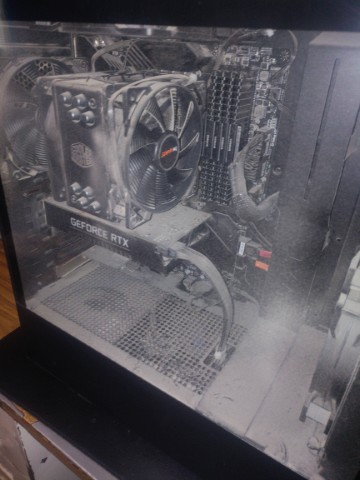
before the cleaning.
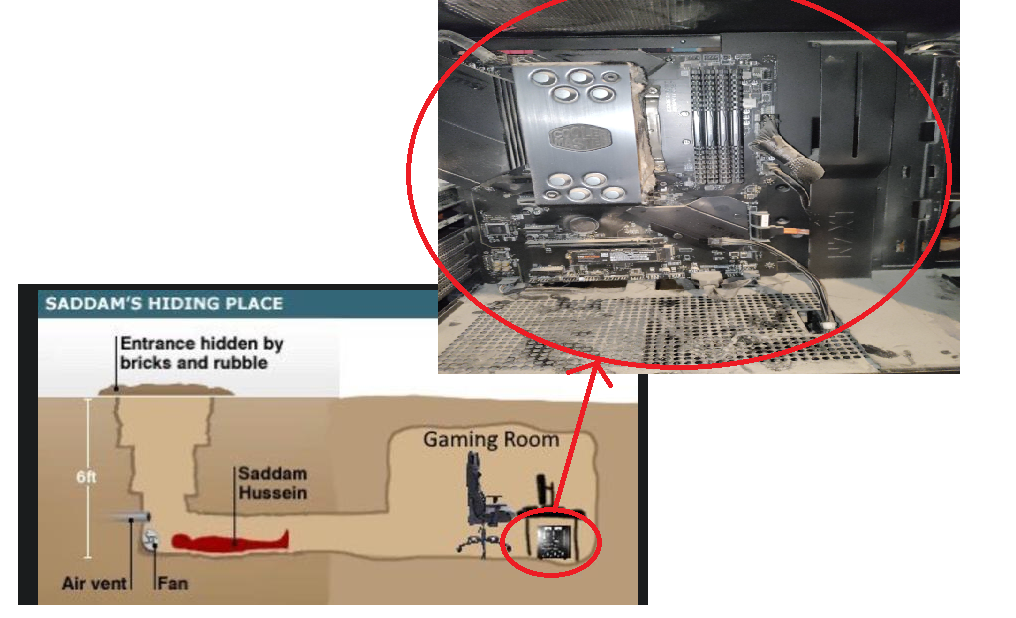
So my computer was very dusty, and it is clear that I haven’t really taken good care of it, really. It looked like it was the gaming PC from Saddam’s Hiding Place, lmao.
Cleaning PCs to me have always been a pretty terrifying thing to do. The reason why is because static electricity is this boogeyman that can kill your computer at any time, and by cleaning it, you can generate enough of it to kill it, and you usually don’t find out until it is too late, and is made worse since computers are also very expensive pieces of tech. People often debate what is the best way to clean a computer: some say that compressed air is the go-to way to clean a computer without killing it, other people say that a electric blower is good because it can help you save on compressed air cans, but others say these can kill your PC because of like, air getting charged somehow and killing your PC via static electricity, and then others say that the only good way to clean a PC is with an air compressor, but others say this is not good because the compressor can blow moist air to the PC, which can of course kill your PC. So there are a lot of ways to clean PCs, but there will always be someone saying that it is not a good way to clean it.
For the cleaning, I decided to go with a very cheap electric blower, which was probably something like 20 bucks. It was poorly built, very cheap, and probably very likely to explode and catch on fire, but nothing bad happened and I managed to clean the whole thing without any issues.
In the future, however, I do want to eventually get a better electric blower. I used the Makita branded ones when I was cleaning computers for the internship I was in, and that worked pretty fine. There are also those hyper specific “ESD safe” blowers that reddit keeps telling me to buy, and I may even consider it, tbh.
taking the PC apart and cleaning it
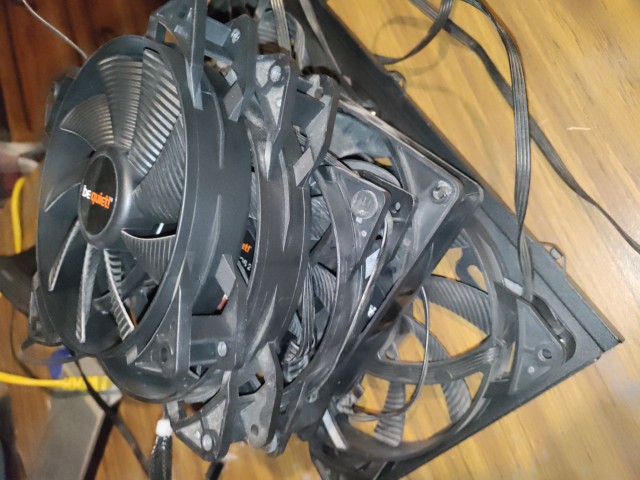
To avoid any sort of issues of like the fans somehow sending back enough electricity (since you can spin these and they generate a bit of power), I decided to be pretty careful and decided to fully remove the fans off the case itself, as well as the CPU cooler. As to be expected, taking off the fans of the CPU cooler was a pain in the ass, considering the fact that it is held in by a series of clips, which can be a bit tricky trying to put these back on and taking these off as well. Anyways, the case fans were much easier, being held only by screws, except for the fact I also needed to fish out the cables out the system, which was something that took quite a bit to do.
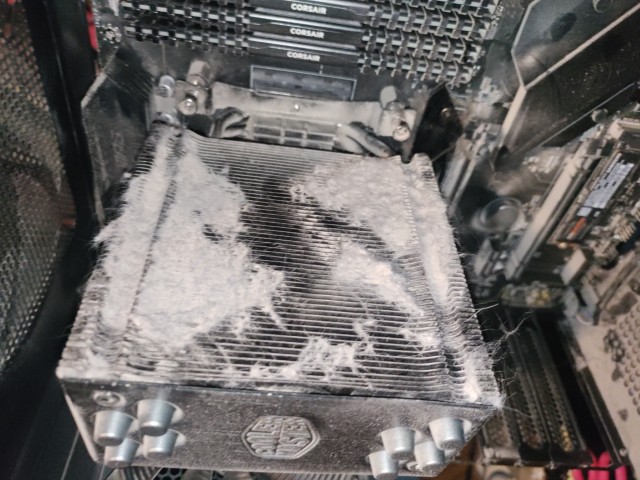
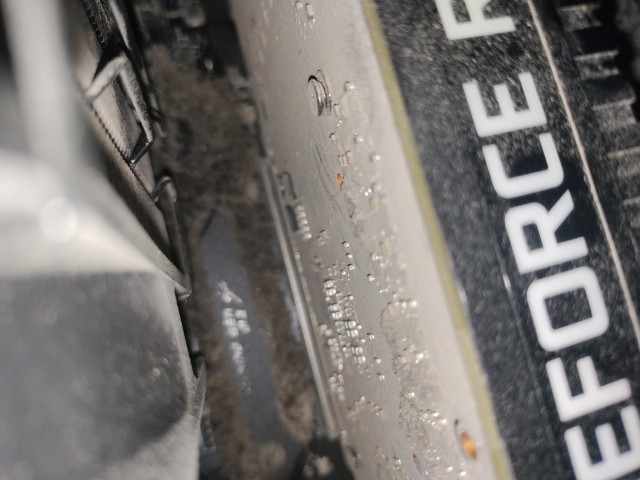
After when I was finished, the next step was of course to remove the GPU out of the system (which was always terrifying to do), and that was held in with the usual two screws + the PCIe slot latch, and after that, the GPU was finally free, coated in dust and hiding the horrors: it seems the part between the CPU fan and the SSD heatsink made a sorta dust trap, and two years of dust have created a horrifying dust bunny monster.
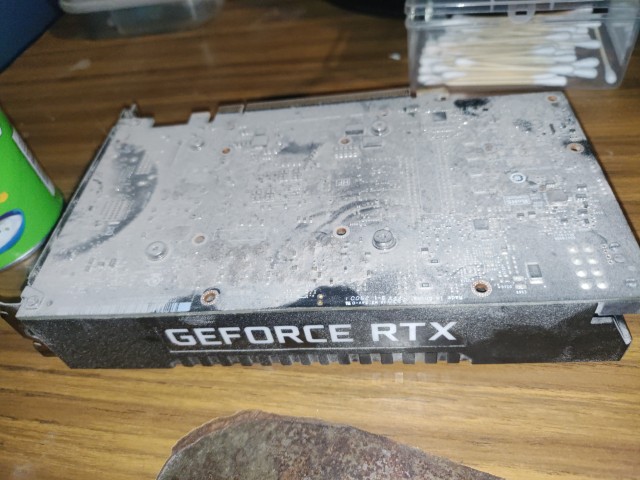
I also decided to remove all the SATA SSDs to keep these from dying from any sort of stray static electricity as well.
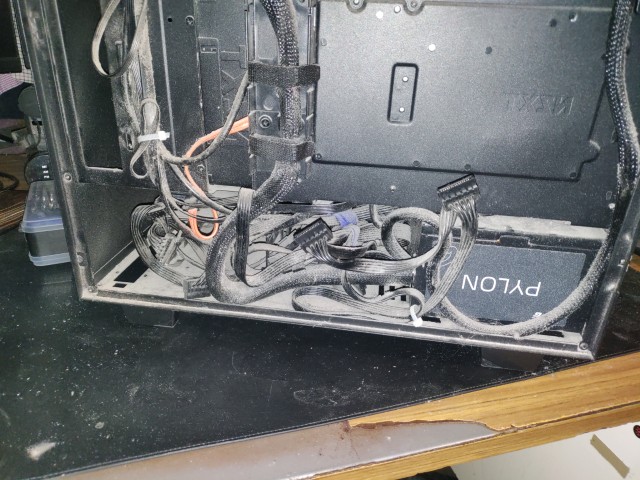
The cleaning process basically consisted in me taking the PC outside and placing it on a chair. I used the electric blower to blow most of the dust, keeping the blower nozzle a usual 50 - 80 cm away from any PC parts that are especially susceptible to static electricity, like the CPU and motherboard. For the CPU cooler, I did had to bring the blower nozzle closer and that also blew out most of the dust that was trapped there. It still had a bit of finer dust trapped inside the thing, but it was “good enough” and I called it a day. I also did not forget to clean out the cable management side of the case, and I also did clean this out pretty well as well.
Cleaning out the PSU was a different story. The PSU has its own fan and well, I found a random stick in the ground and held the fan in place while I got the dust out of the poor PSU. I eventually did got all the dust out, so we were ready to get to the next step.
I decided to take out the fans themselves outside (alongside the sidepanel) and I also gave them a quick clean outside, and it was pretty easy to do so too.
the GPU cleaning horrors
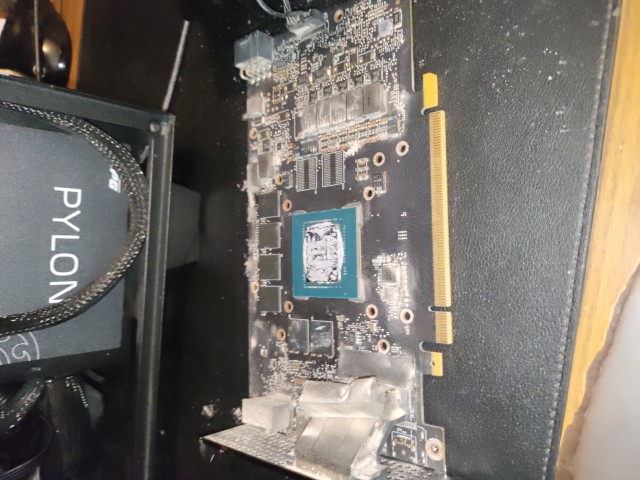
Cleaning this GPU has always been very terrifying. There is a couple of reasons why, and well here is the following:
-
the board on the card is very flexible, perhaps very unusually flexible.
-
the fan is hard to remove
-
the fan and side LED cable is hard to remove, and after trying my best to disconnect the cable, I pretty much ended giving up. I felt I was about to fucking rip out the cable socket off the board, so I just gave up and just tried my best getting rid of the dust the best I can.
This is probably the part of the cleaning process that took the longest. I had to tear down the GPU, tried to disconnect the cable so I am able to free the heatsink away, and when I failed to do that, I kept the cables connected and just sorta moved shit around until i was able to reach around the place I wanted to clean, I also took the fan out, cleaned it, and then took 30 minutes trying to screw it back then. It was a pain in the ass, and I hope I don’t have to do that ever again.
the conclusion
So after the cleaning, there was a pretty lengthy rebuilding process, which included reinstalling the fans, routing the cables to where they needed to go, as well as wiping down any dust with a microfiber cloth with a dash of alcohol. At the end, I had a pretty clean PC, which should be more than enough to keep temps pretty low.
.jpg)
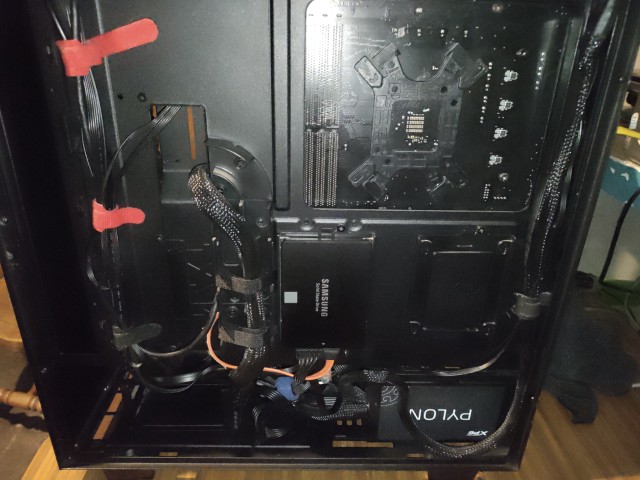
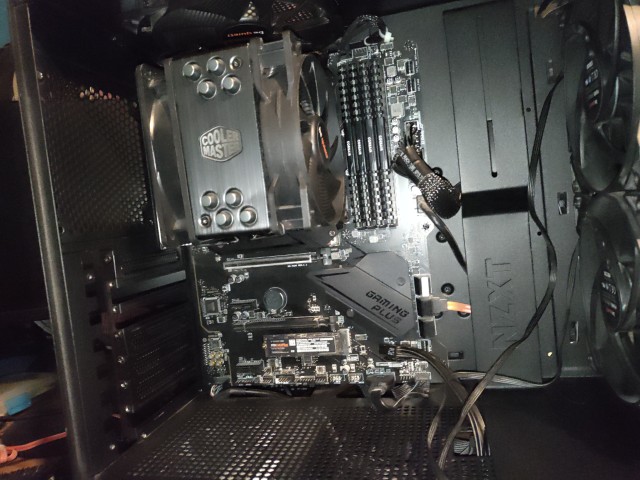
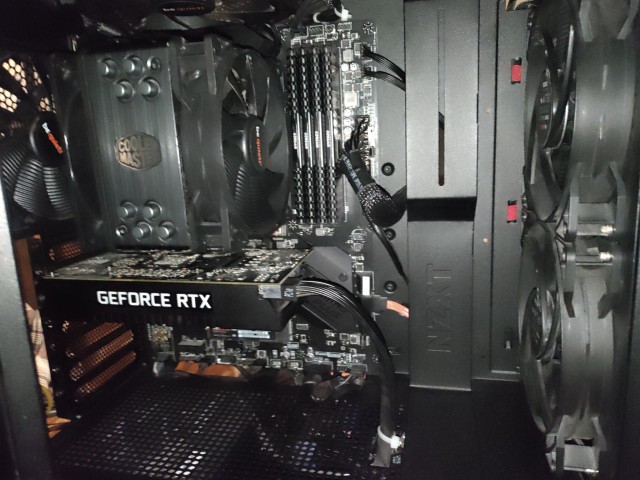
So that is all, I guess. I managed to clean my PC and it was a pretty annoying experience. I should probably take care of my computer probably better in the future, but oh well. I am glad that this computer is finally clean now.
updates:
- 2025-12-14: page was created.